GA02118 User Manual BV20
<< Back to Contents
Copyright © Innovative Technology Ltd 2018 Doc: GA02118/1 User Manual BV20
Version: 1.0
Page 16 of 60
4.4.1.5 Programming the device
Once you have switched the unit into SSP, open Validator Manager and click detect
devices. This will scan all active com ports for a unit, if your BV20 fails to connect
please ensure the correct drivers are installed and the unit is in SSP.
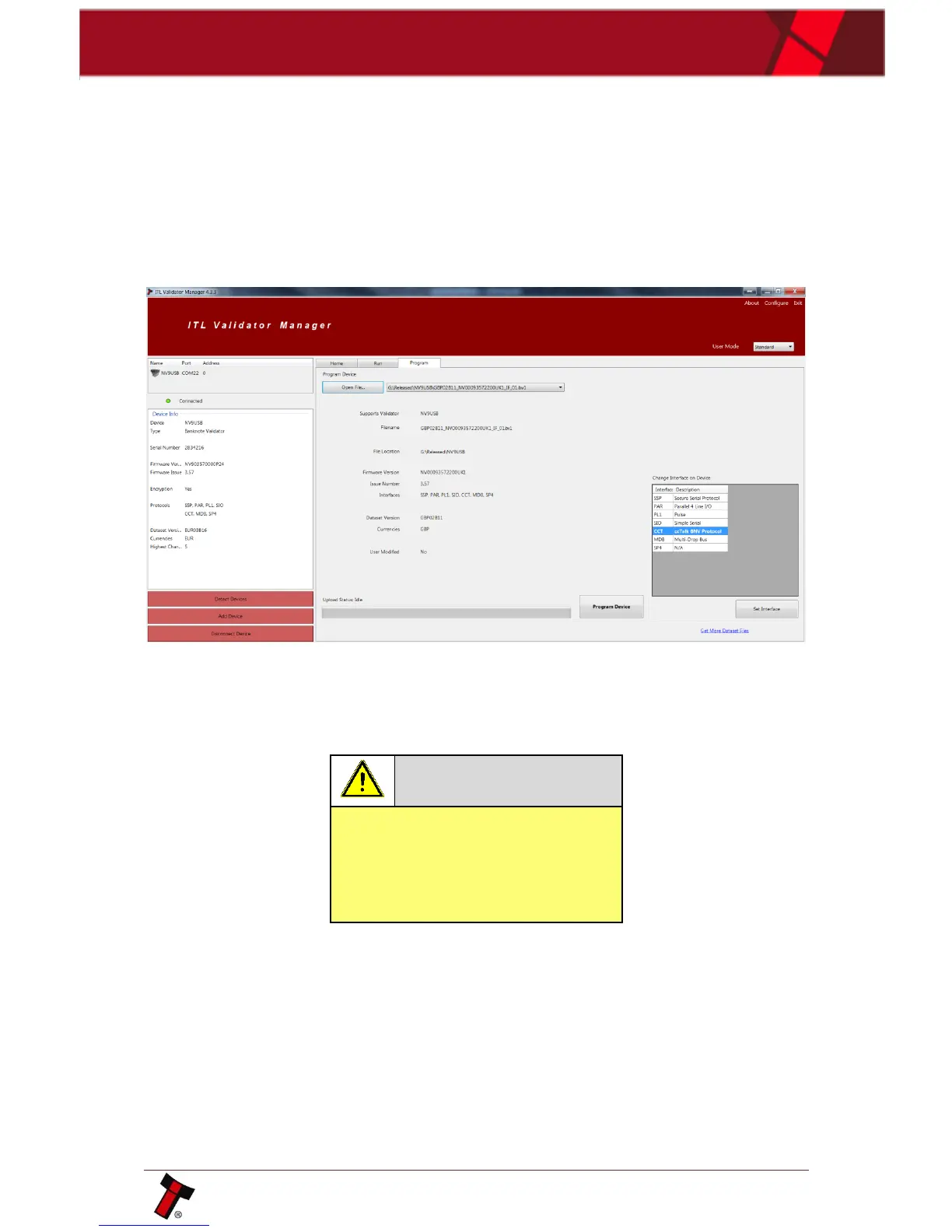
By selecting the Program tab, you can reprogram the BV20. To begin the upload,
click open file, then browse to the file location (usually Downloads) before clicking
OK.
Once the file has been selected its information will be populated and the Program
device tab will become active. Finally hit ‘Program Device’, the unit’s bezel will now
begin to flash signaling the update has begun.
Interrupting the download process
can result in the unit entering a
non-functional state, once the
process has started it cannot be
halted.















 To Next Page