GA02118 User Manual BV20
<< Back to Contents
Copyright © Innovative Technology Ltd 2018 Doc: GA02118/1 User Manual BV20
Version: 1.0
Page 36 of 60
5.6.4 Escrow Control
The BV20 has a single note escrow facility. This allows the BV20 to hold onto the
note once validated, and then only stack the note into a cashbox when the host
machine confirms that the Vend operation has been completed. Hold pin 10 LOW to
enable the single note escrow function. If the host machine aborts the transaction
by setting the corresponding inhibit input HIGH, the note is returned immediately.
The host machine can force the return of the 30 second time-out. Setting HIGH on
all the inhibits causes all notes rejected. In the event of a note being forcibly
removed from the BV20 bezel during the 30-second interval, the BV20 will go out of
service for 45 seconds.
Please refer to 11.8 for timing diagram and further details.
5.6.5 Busy Control
This is a general-purpose busy signal. It is active low (pin 9) while the BV20 is in
operation.
5.6.6 Low Power Mode
The Low Power Mode can be used to reduce the power consumption of the BV20
when idle. When the Low Power Mode option is set, the BV20 goes into the Low
Power Mode after about 6 seconds after the BV20 is powered up and remains in this
state until a note is entered. Following a note insertion, the BV20 returns to Low
Power Mode approximately 1 second after a credit is given or note is rejected.
Please refer to 11.9 for timing diagram and further details.
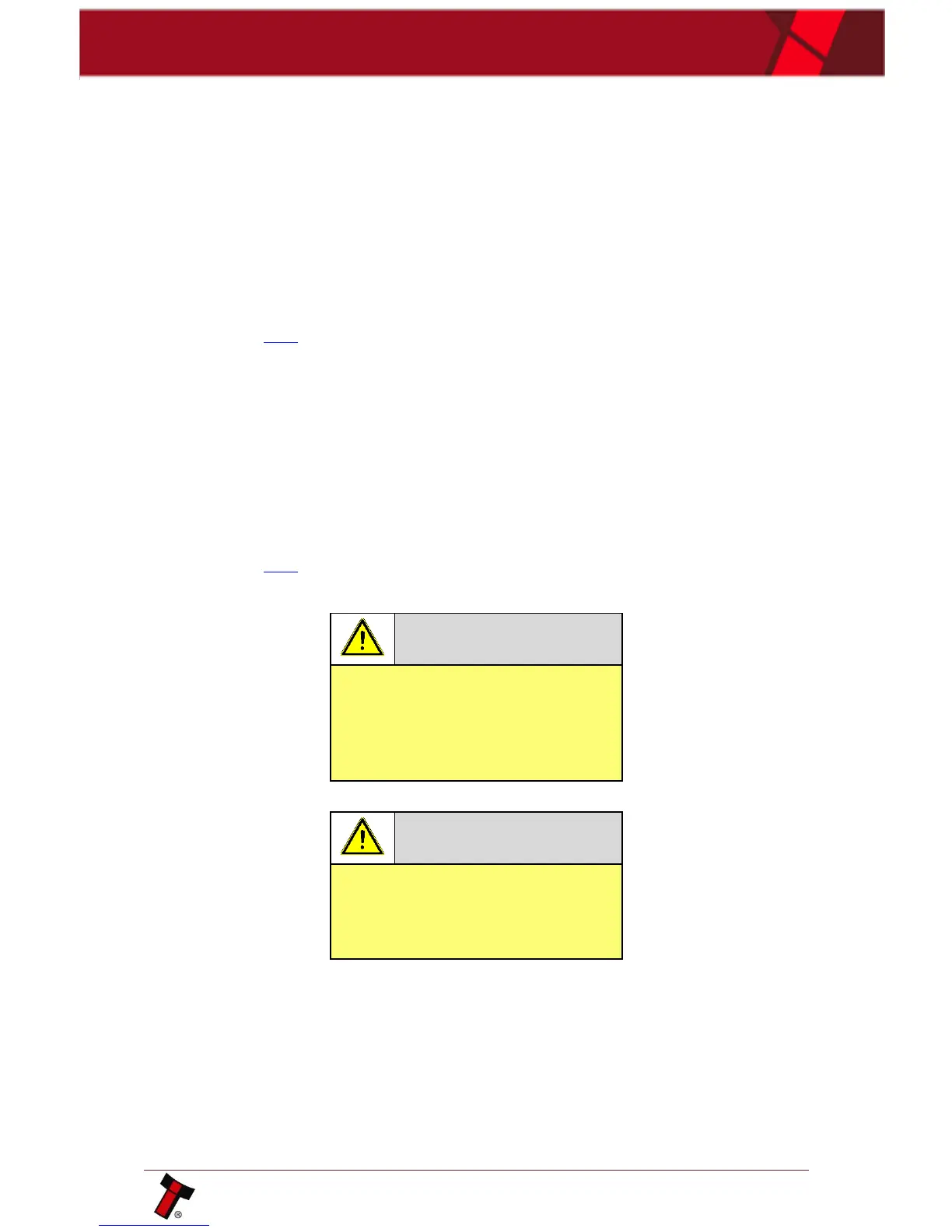
In Low Power Mode the front
sensor is checked every second
which can lead to a delay in
accepting the note when it is
presented!
Configuration button functions are
only available during power up
before the BV20 goes into Low
Power Mode!
5.6.7 IF10 Interface
The IF10 is an interface that allows serial SSP to be used in machines without the
need of updating the machine software. The IF10 is connected between the BV20
and the host machine. The IF10 communicates with the BV20 in serial SSP which
gives more security along the length of the cable. The IF10 should be mounted close
to the host machine control board where the IF10 converts to the parallel
connection.















 To Next Page