GA02118 User Manual BV20
<< Back to Contents
Copyright © Innovative Technology Ltd 2018 Doc: GA02118/1 User Manual BV20
Version: 1.0
Page 48 of 60
8.4 Re-initialisation of the sensors
For this procedure, please use ITL Diagnostic Tools (v.2.0.2 and higher) and Green
calibration paper LB00160.
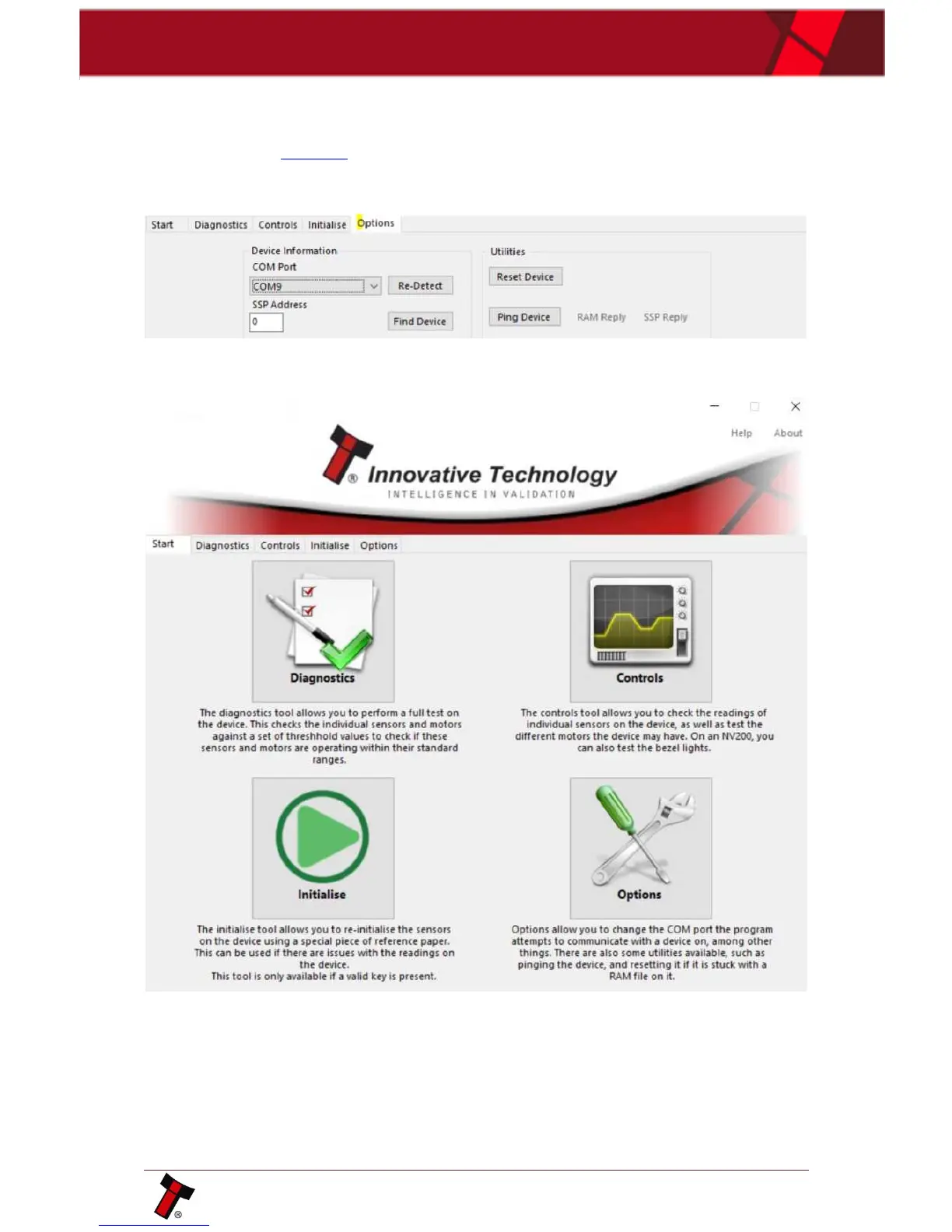
1. Connect validator using IF-17/DA2 adapter only, open Diagnostic Tools
program and choose active com-port:
2. Then click “Initialise” tab:
3. Validator will start initialization procedure.
Once the motor run continuously, insert green calibration paper















 To Next Page