GA02118 User Manual BV20
<< Back to Contents
Copyright © Innovative Technology Ltd 2018 Doc: GA02118/1 User Manual BV20
Version: 1.0
Page 56 of 60
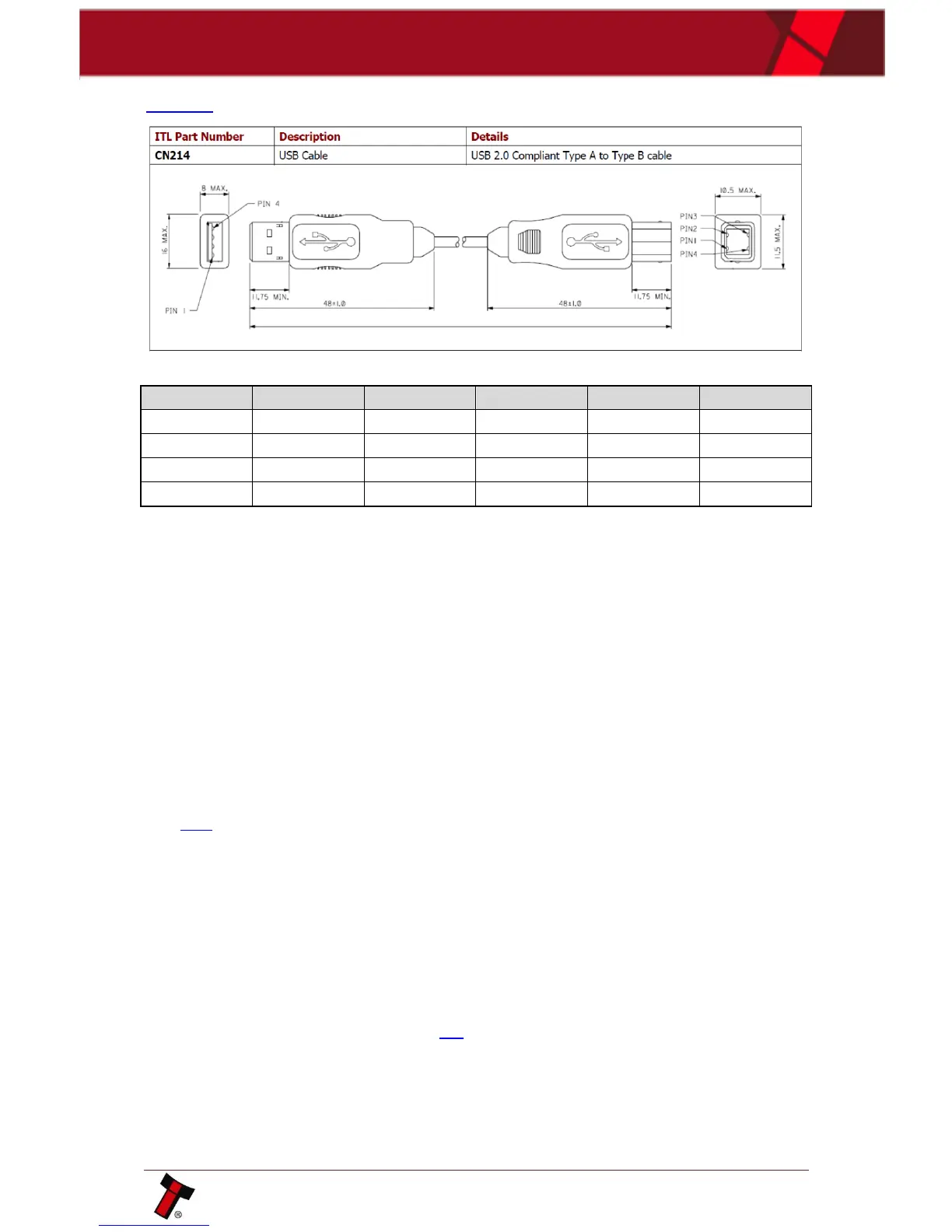
CN00214 USB A-B Cable (host to IF-17):
11.2 Connector Specifications
11.3 Switching to Programming Mode (SSP)
Press and Hold the Configuration Button for at least 2 seconds whilst the BV20 is
powered up. The Bezel LED will flash rapidly to indicate that SSP is being loaded.
Once this process has finished the BV20 will reset. The BV20 will now be in
Programming Mode (SSP) and allow connection to a PC via a DA1 or DA2 adapter or
connection to a DA3.
11.4 Free Fall Cashbox Advice
When installing BV20, adequate space in width and length must be allowed for
received notes to be free falling behind BV20. Notes not allowed free falling will
cause validator to malfunction.
11.5 ccTalk DES Encryption – Trusted Mode
The DES compatibility can be toggled on/off using Validator Manager version 3.3.12
or later. On the menu select Tools - Set Validator Options. On the General Options
tab, the "cct DES encrypted" checkbox will be available when ccTalk® (CCT)
interface is set. Click Apply Changes once the validator is configured as required.
In DES Trusted mode host requests the security keys of peripheral. Once obtained,
the keys need not be transferred again until the peripheral is replaced. For key
exchanging, please power on unit in ccTalk protocol and wait for a several seconds
for key exchanging.
Use configuration button for rollback any previously set ccTalk key to original (see
Configuration Button options, section 7.2).















 To Next Page