GA02118 User Manual BV20
<< Back to Contents
Copyright © Innovative Technology Ltd 2018 Doc: GA02118/1 User Manual BV20
Version: 1.0
Page 35 of 60
5.6 Parallel
5.6.1 General Description
Parallel is a 4-way output interface. The first 4 channels have their own individual
output which means that only a maximum of 4 channels can be used. If a note is
recognised the relevant Vend line is set to low for a period of 100 ± 3ms. Pulses
outside these limits should be rejected as a precaution against false triggering.
Parallel is an unsecure interface
and should not be used for new
developments!
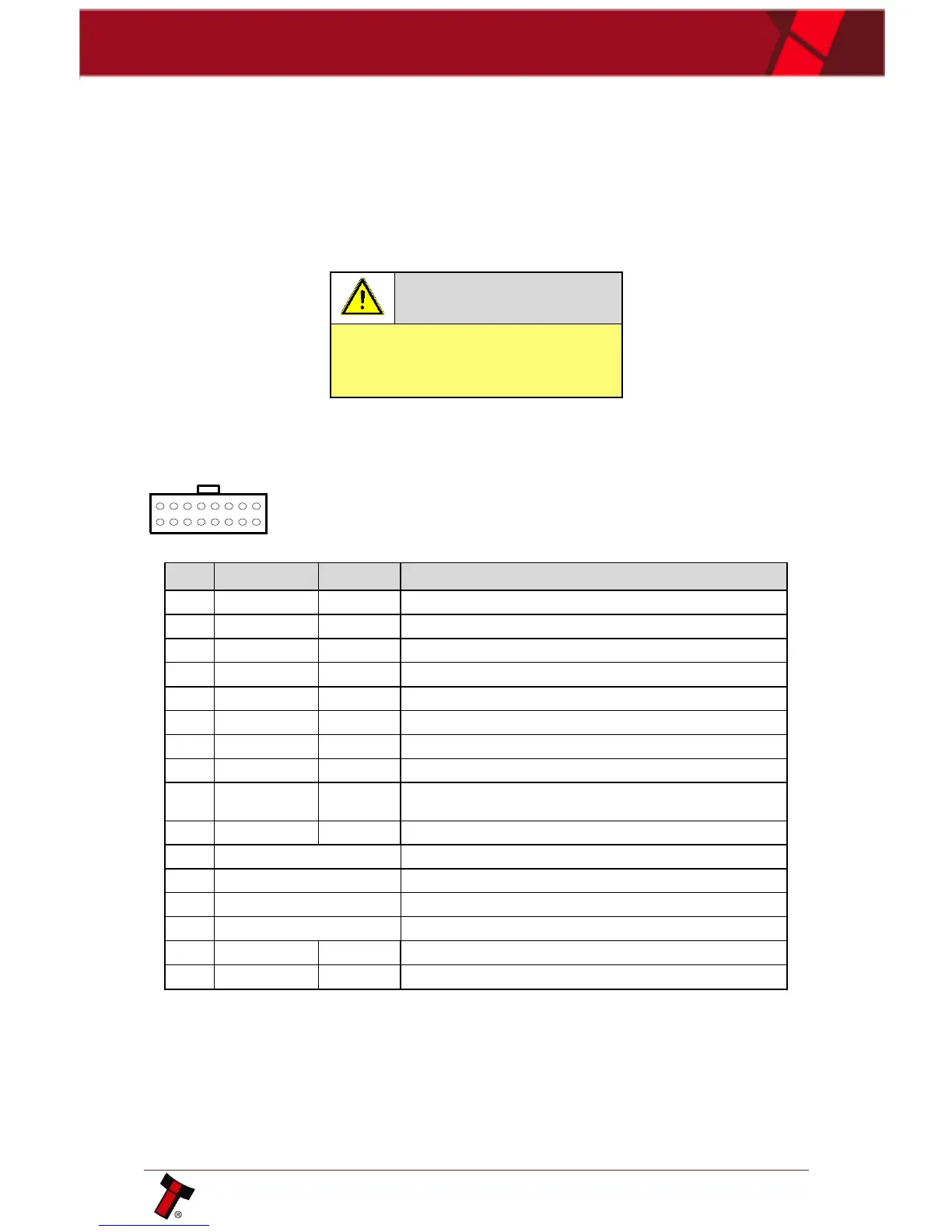
Inhibit Input Channel 1 by holding HIGH, hold LOW to enable
Inhibit Input Channel 2 by holding HIGH, hold LOW to enable
Inhibit Input Channel 3 by holding HIGH, hold LOW to enable
Inhibit Input Channel 4 by holding HIGH, hold LOW to enable
Output Busy Signal. Active LOW when BV20 is in transporting,
reading or stacking a note
Input Escrow Control. Enable escrow function by holding LOW
5.6.3 Inhibit Control
The Inhibits can be used to either enable or disable the acceptance of those
banknotes programmed on channels 1, 2, 3 and 4. The Inhibits are internally held
high and must be set to low (GND) to enable banknote acceptance. If no Inhibit is
set to low (GND) the Master Inhibit is set and the BV20 is disabled.















 To Next Page