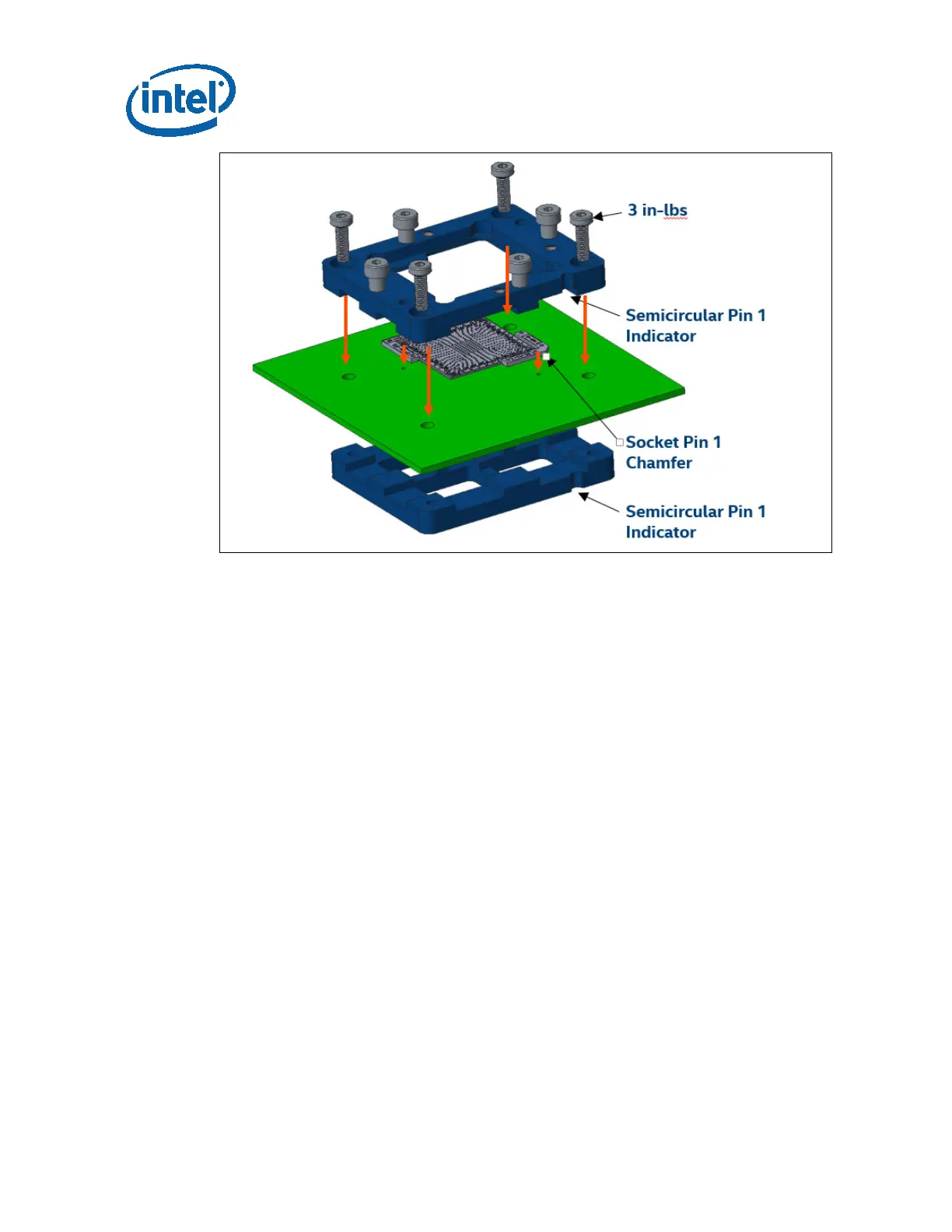
Hardware Assembly Instructions
30 Intel Confidential User Guide
STEP 2 – Insert Package and Compression Plate
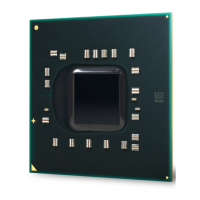
a. Gently clean the die on top of the CNP-H package with an alcohol wipe and let it
dry.
b. Place the CNP-H package into the socket. Make sure that the Pin 1 indicator on
the package matches the orientation of the semicircular cutouts on the stiffener
plate.
c. Place the compression plate on top of the package. Ensure that the chamfer on
the plate matches the Pin 1 direction of all previously installed components.
− Past this point, failing to line up all of the Pin 1 features in the assembly may
cause irreversible damage to the package and socket.




 To Next Page