Quick Start Guide
34 Intel Confidential User Guide
7 Quick Start Guide
This Quick Start Guide gives the procedures to be followed and
peripherals/components/cables/tools/ to be kept ready to power on the RVP board.
7.1 Peripherals Required Before Power ON the Board
Make sure all peripheral’s mention below are available before starting board bring up:
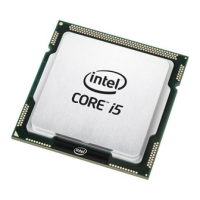
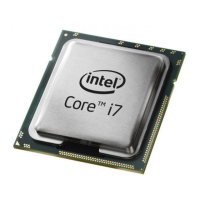
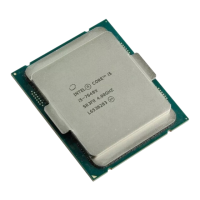
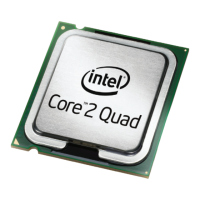
• CPU (CFL S) and CPU socket, PCH (CNP-H) and PCH Socket
• 4x UDIMM DDR4 x64 memory devices
• ATX Power supply (Recommended: EA-550 PLATINUM) Use this ATX supply.
• Keyboard, Mouse (PS2/USB)
• Hard drive or M.2 SSD loaded with bootable OS image.
• PCI Express Graphics Card – for CFL Silicon with no GFx support
( WSS recommendation NVIDIA GEFORCE620)
• External display (DP, HDMI) / eDP ( Internal Display)
• SF600 programmer for IFWI programming.
7.2 Board Bring-up Steps
Make sure all peripherals mention in previous foil is available before starting board
bring up:
Step1:
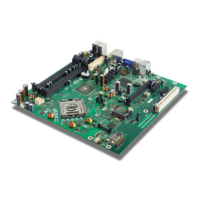
Place the Processor (RefDes: J3D2), CNP-H PCH (RefDes: U6E1) with socket, and the
hardware assembly (make sure to align the chip to the pin 1 marking).
Step2:
Insert DDR4 UDIMM modules into UDIMM connectors (RefDes: J1E5, J1F2, J1F3,
J1F4).
Step3:
Verify presence of RTC coin cell in Battery Holder (RefDes: XBT9C1).
Step4:
Insert hard disk drive in cable connect (RefDes: J6H2 or J6H1) or PCIe*/SATA based
SSD in M.2 socket 3 (RefDes: J8H1).





 To Next Page