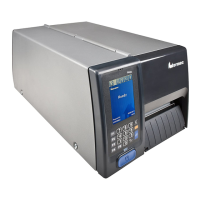
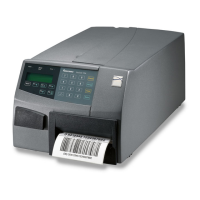
Thereadinessoftheprinter,individuallyorasapartofasolution,is
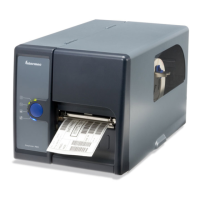
indicatedbytheblueIntermecReadinessIndicator(IRI).
IftheIRIblinksorisswitchedoff,theprinterisnotready.Furtherinfor-
mationcanbeobtainedinthedisplaywindowbypressingthe<F5/i>
key.Incaseofseveralerrorsorsimilarconditionsoccuringsimultane-
ously,onlythemostsigni
canterrorisdisplayed.Oncethiserrorhas
beencleared,nextremainingerrorisdisplayed.
Theprinterwillalsoreturnerrormessagestothehost,providedthere
isaworkingtwo-waycommunication.Refertothe
IntermecFingerprint
v8.xx,Programmer’sReferenceManual
.
Providedtheprinterisconnectedtoanetwork,allconditionsthatpre-
ventsprintingarereportedtotheEasyADCConsole.TheEasyADC
ConsoleisaPC-basedsoftwarewhichallowsasupervisortomonitorall
connecteddevicesthathaveanIntermecReadinessIndicator,including
handheldcomputers,accesspoints,andprinters.







 To Next Page