Version V1.0
6
3 Quick Setup
In the Quick Setup module, you can set up the AP in a quick way to enable internet access for
your wireless devices such as smartphones and tablets.
The AP supports working modes of AP and Client+AP.
3.1 AP Working Mode
3.1.1 Overview
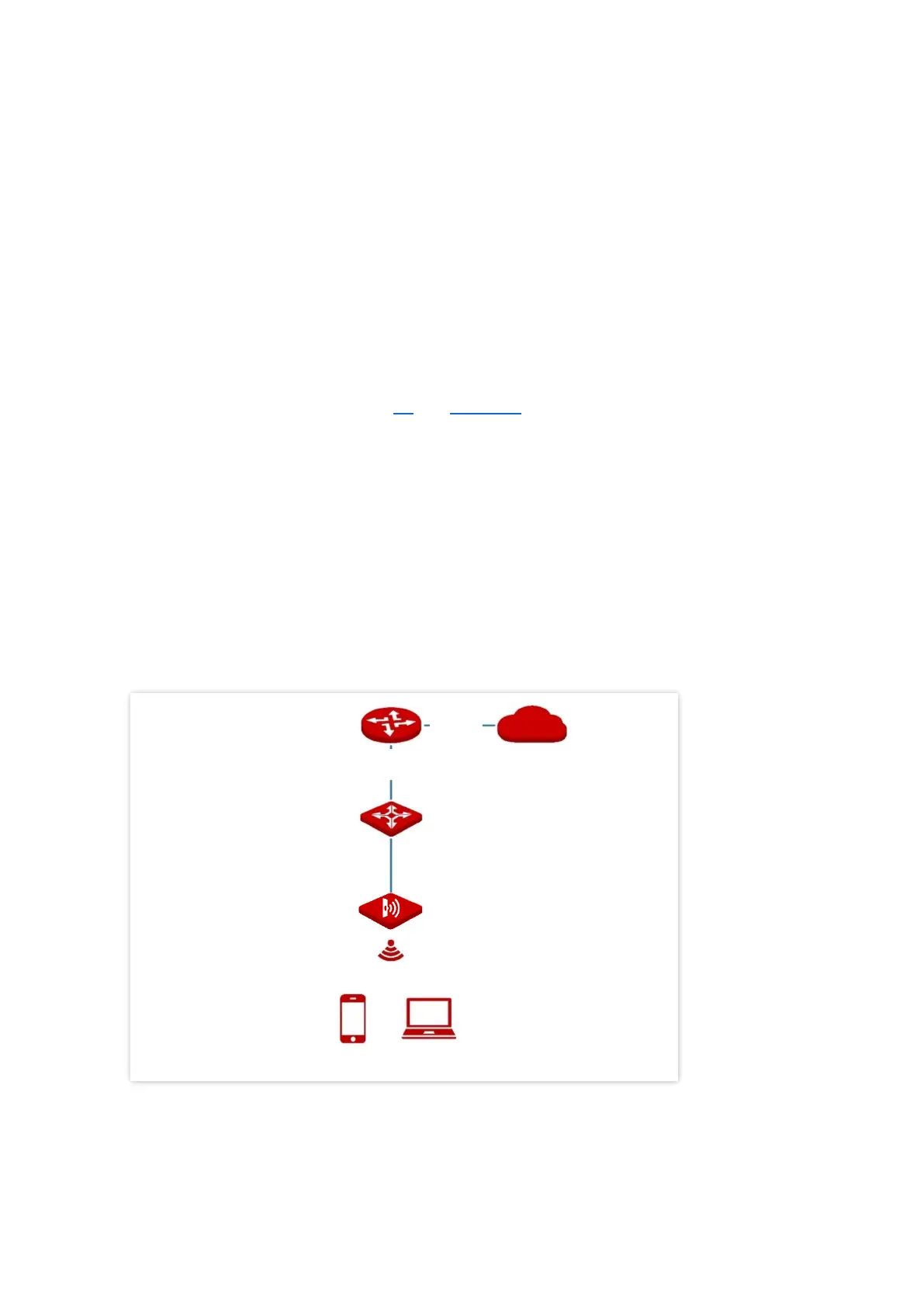
In this mode, AP connects to the internet using an Ethernet cable and transforms wired
signals to wireless signals for wireless coverage. AP works under this mode by default. See the
following topology.



 To Next Page