Version V1.0
83
8.5 Diagnostic Tool
With the diagnostics tool, you can detect the connection status and connection quality of a
network.
Procedure
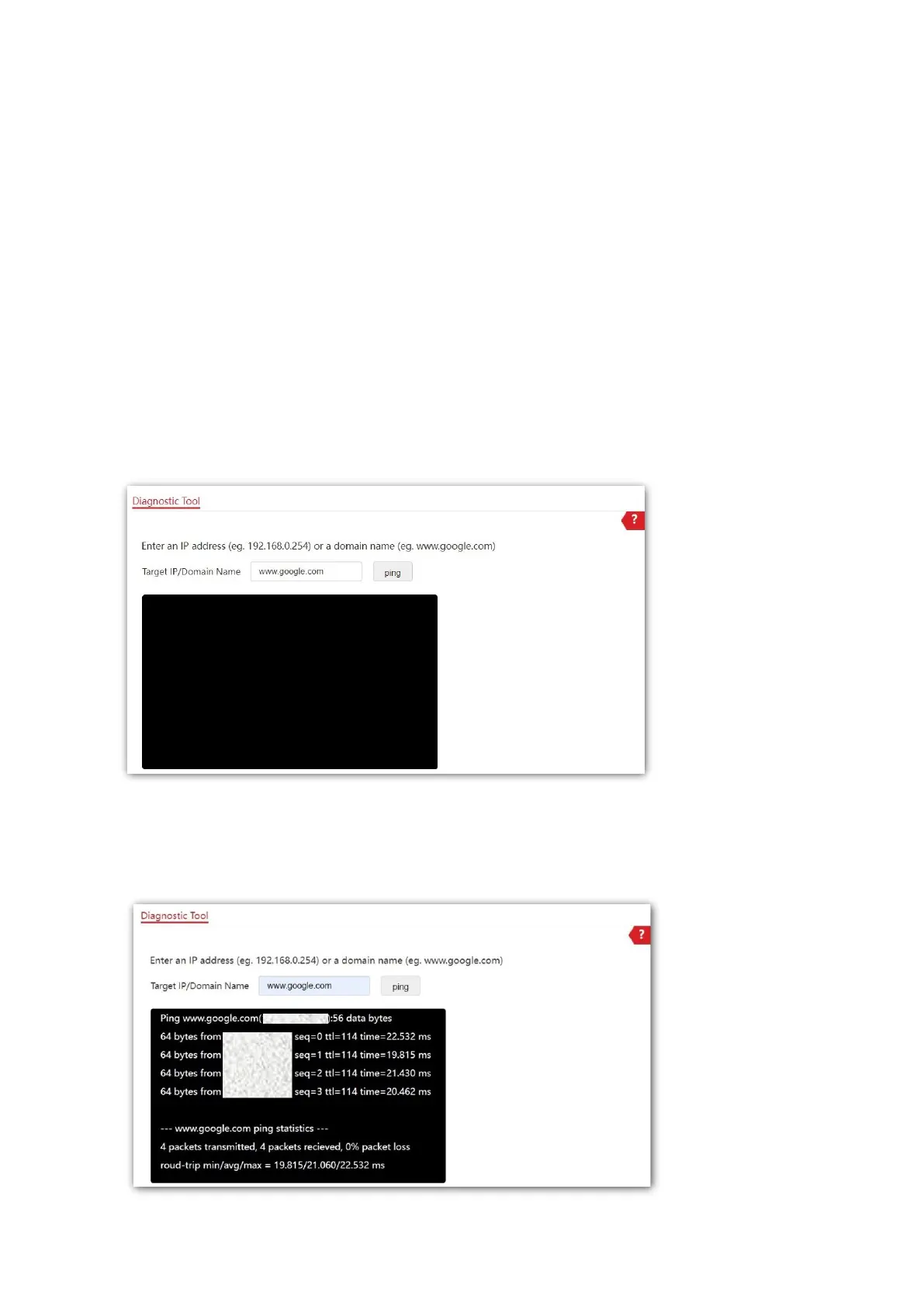
The link to www.google.com is used as an example.
1. Choose Tools > Diagnostics Tool.
2. Enter the IP address or domain name to be pinged in Target IP /Domain Name. In this
example, enter www.google.com.
3. Click ping.
---End
The diagnosis result will be displayed in a few seconds in the black text box below. See the
following figure.



 To Next Page