Version V1.0
74
8.2.2 Reset
If you cannot locate a fault of the AP or forget the password of the web UI of the AP, you can
reset the AP to restore its factory settings and then configure it again.
- Resetting the AP deletes all your current configurations, and you need to reconfigure the AP again.
Therefore, reset the AP only when necessary.
- To prevent AP damages, ensure that the power supply of the AP is normal when the AP is reset.
- After the factory settings are restored, the login IP address of the AP is changed to 192.168.0.254, and
the user name and password of the AP are changed to admin.
Method 1
After AP completes startup, hold down the reset button for about 10 seconds, and release
when the indicator goes out. When the indicator blinks white, the AP is reset.
Method 2
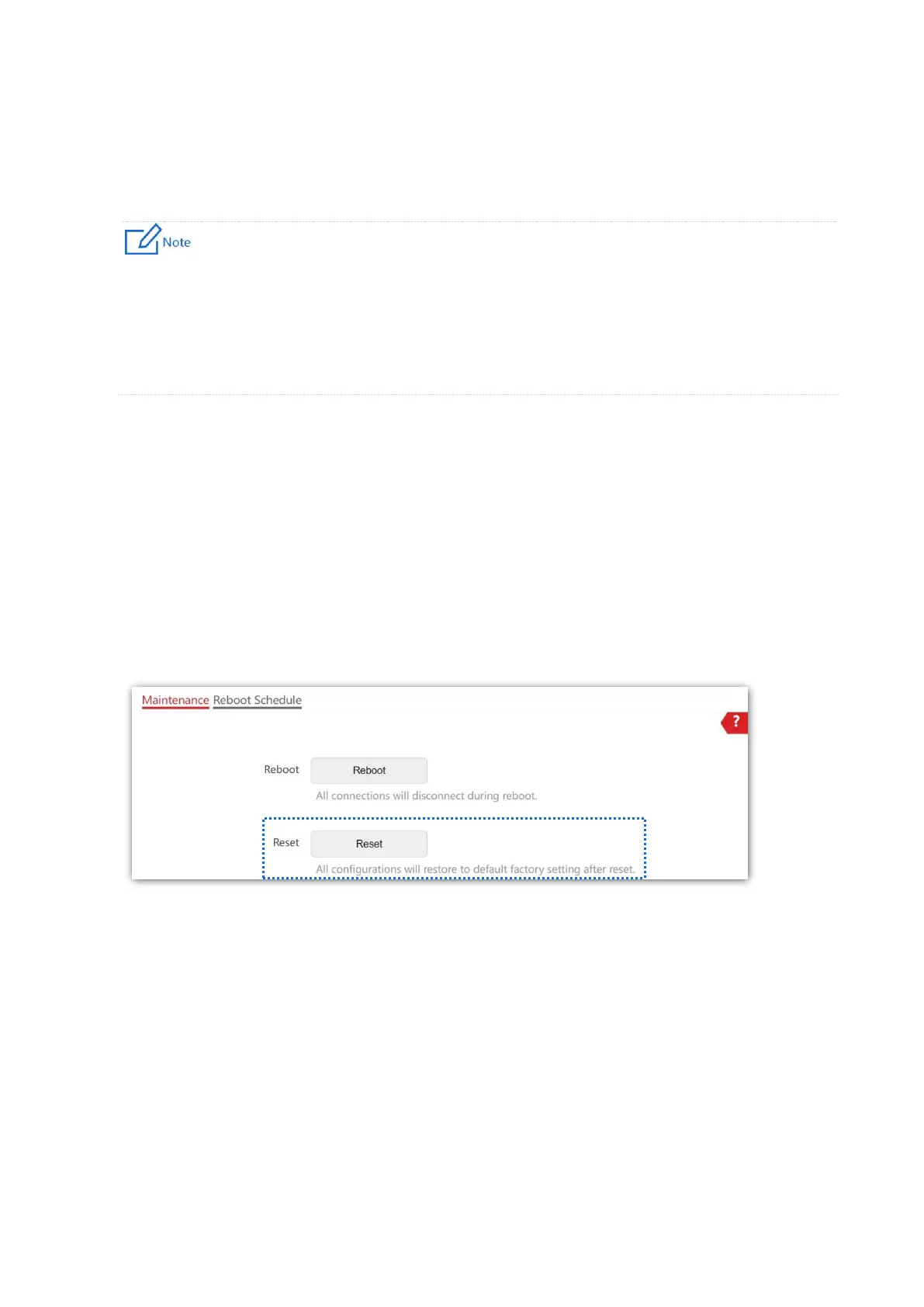
On the Tools > Maintenance > Maintenance page, click Reset.



 To Next Page