Version V1.0
8
3.2 Client+AP Working Mode
3.2.1 Overview
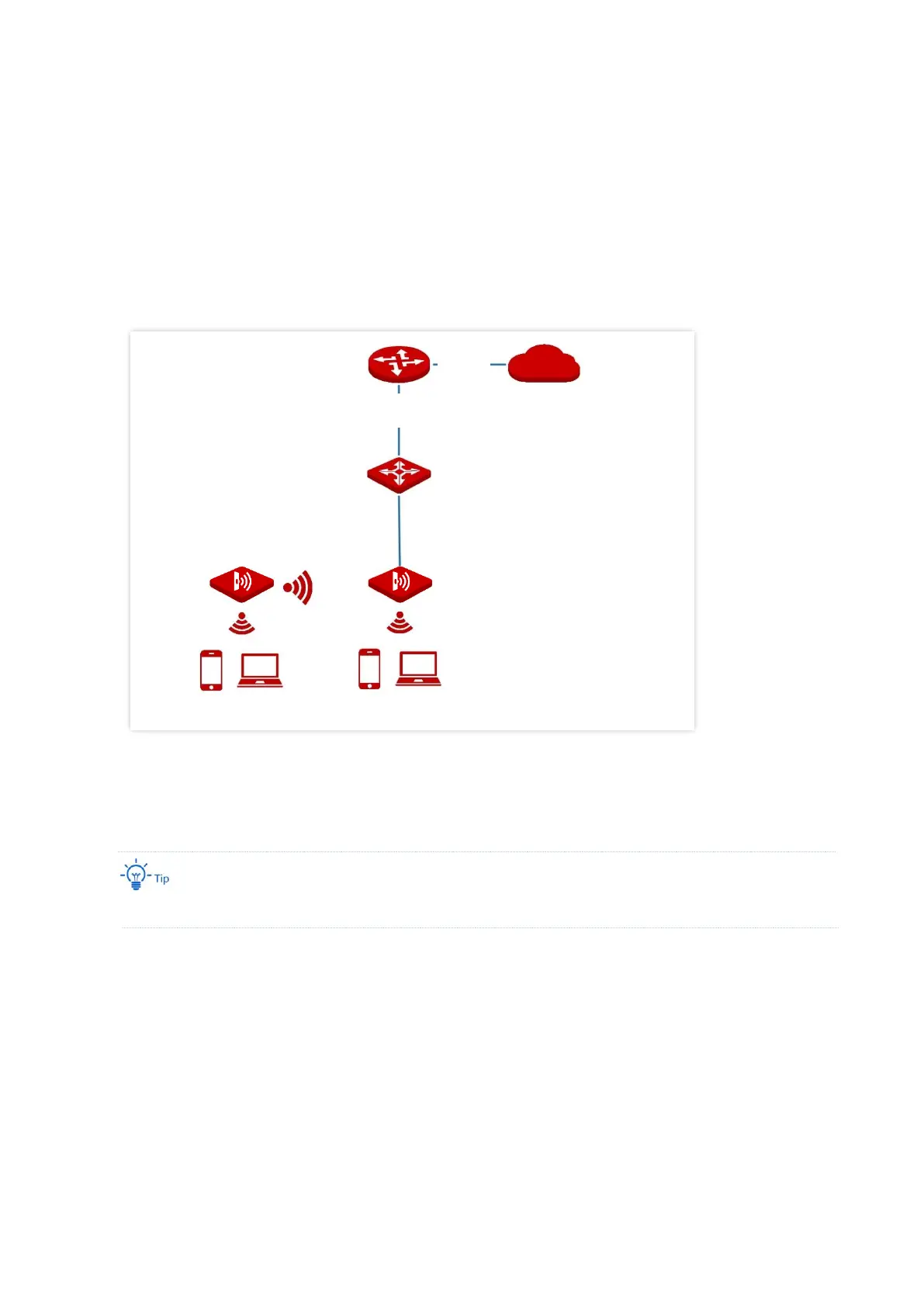
In this mode, the AP is wirelessly bridged to an upstream device (such as a wireless router or
AP) to extend the wireless network coverage of the upstream device. See the following
topology.
3.2.2 Quick Setup
Before configuration, ensure that the upstream AP has been connected to the internet.
1. Choose Quick Setup.
2. Select the radio band from the drop-down list box, which is 2.4 GHz in this example.
3. Set Working Mode to Client+AP.
4. Click Scan.



 To Next Page