Version V1.0
9
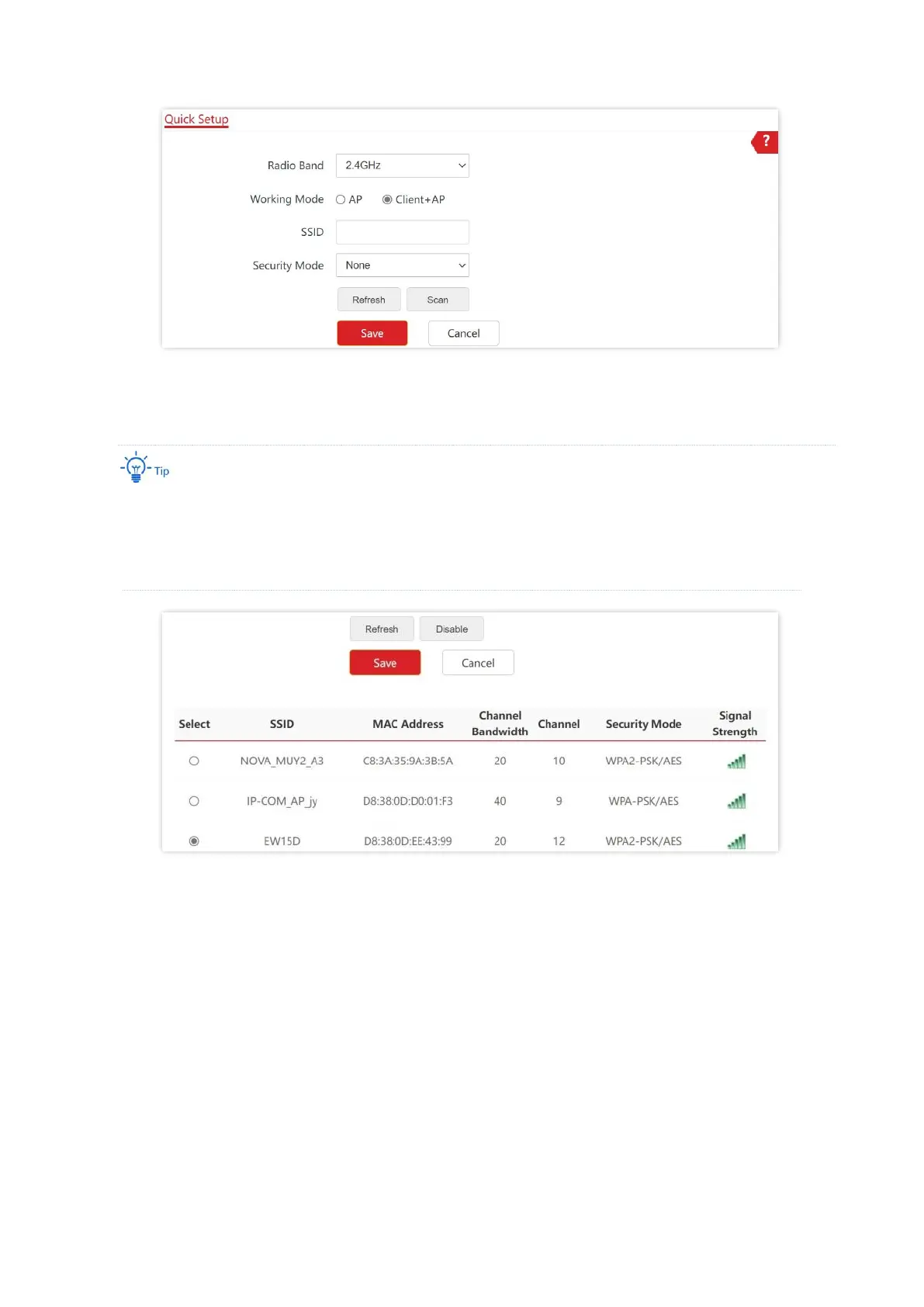
5. Select the wireless network to be extended from the wireless network list that appears.
− If no wireless network is found, choose Wireless > RF Settings, ensure that Wireless Network is
selected, and try scanning wireless network again.
− After a wireless network to be extended is selected, the SSID, security mode, and channel of the
wireless network are populated automatically.
6. Click Disable.
7. If the wireless network of the upstream device is encrypted, enter the wireless network
password of the device in the Key column.
8. Click Save.



 To Next Page