Version V1.0
68
7 Advanced
Traffic Control
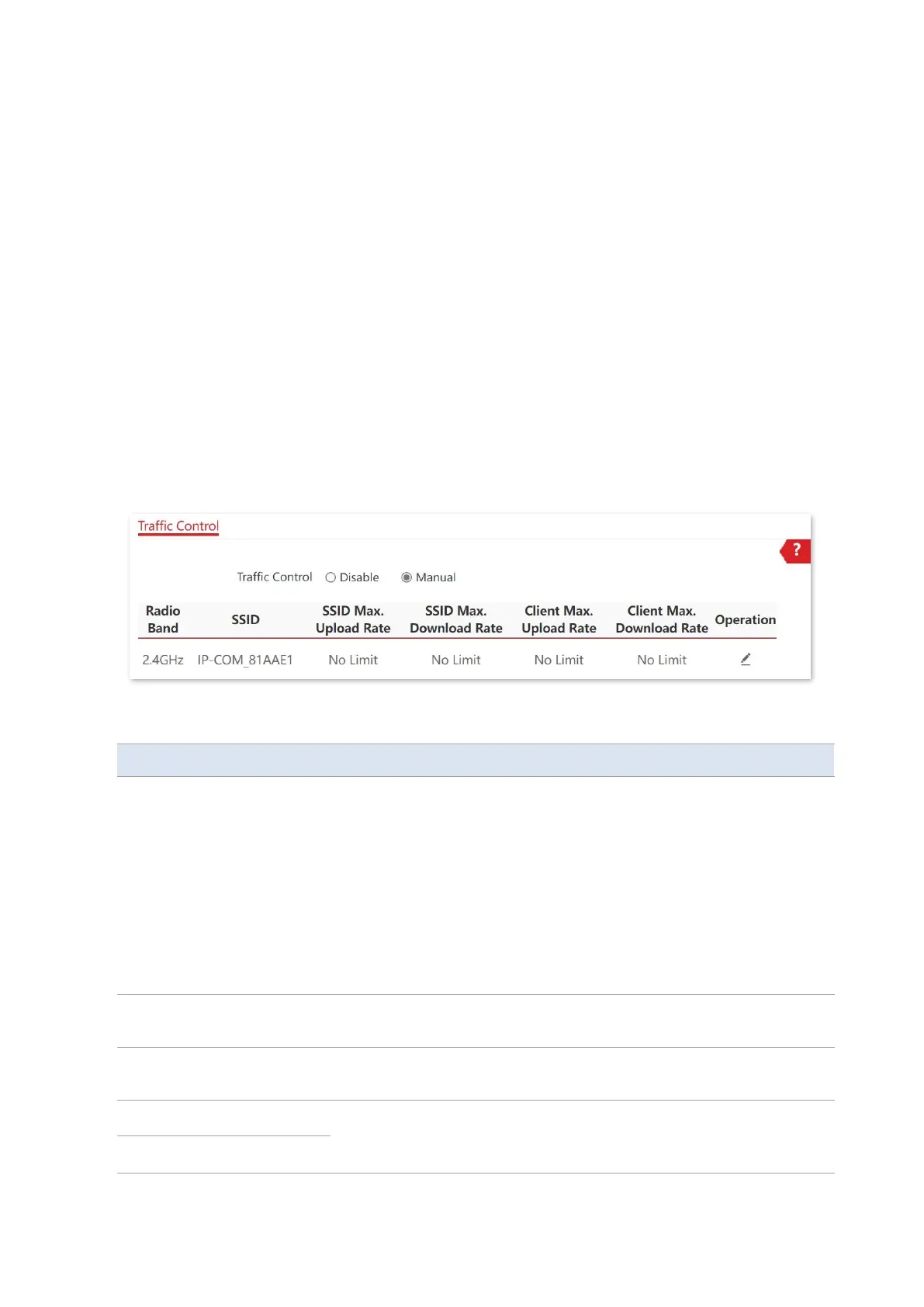
The Traffic Control page allows you to set limits on the internet speed of clients to guarantee
a proper allocation of limited broadband resources.
By default, the Traffic Control function is disabled. If you want to use this function, configure
it on the Advanced > Traffic Control page.
Parameter description
−
Disable: The Traffic Control function is disabled.
−
Manual: The Traffic Control function is enabled. The network
administrator manually sets SSID and the maximum
upload/download rate of user devices to limit the total bandwidth
of SSID and evenly allocate bandwidth to users. In this way, if
multiple SSIDs are enabled, and a user network with a lower
priority (such as guest network) occupies an excessively high
internet speed or a user occupies too much bandwidth, such
circumstances as excessively low internet speed or even internet
unavailability for other users will not occur.
It specifies the maximum upload/download rate allowed for a WiFi
network. If you leave it blank, the maximum upload/download rate of
the target WiFi network are not limited.



 To Next Page