Version V1.0
84
8.6 Uplink Detection
8.6.1 Overview
In AP mode, the AP connects to its upstream network using the PoE LAN port. If a critical
node between the PoE LAN port and the upstream network fails, the AP as well as the
wireless clients connected to the AP cannot access the upstream network. If uplink check is
enabled, the AP regularly pings specified hosts through the PoE LAN port. If all the hosts are
not reachable, the AP stops its wireless service and wireless clients cannot find the SSIDs of
the AP. The client can reconnect to the AP only after the connection between the AP and the
upstream networks is recovered.
If the uplink of the AP with uplink check enabled is faulty, wireless clients can connect to the
upstream network through another nearby AP that works properly.
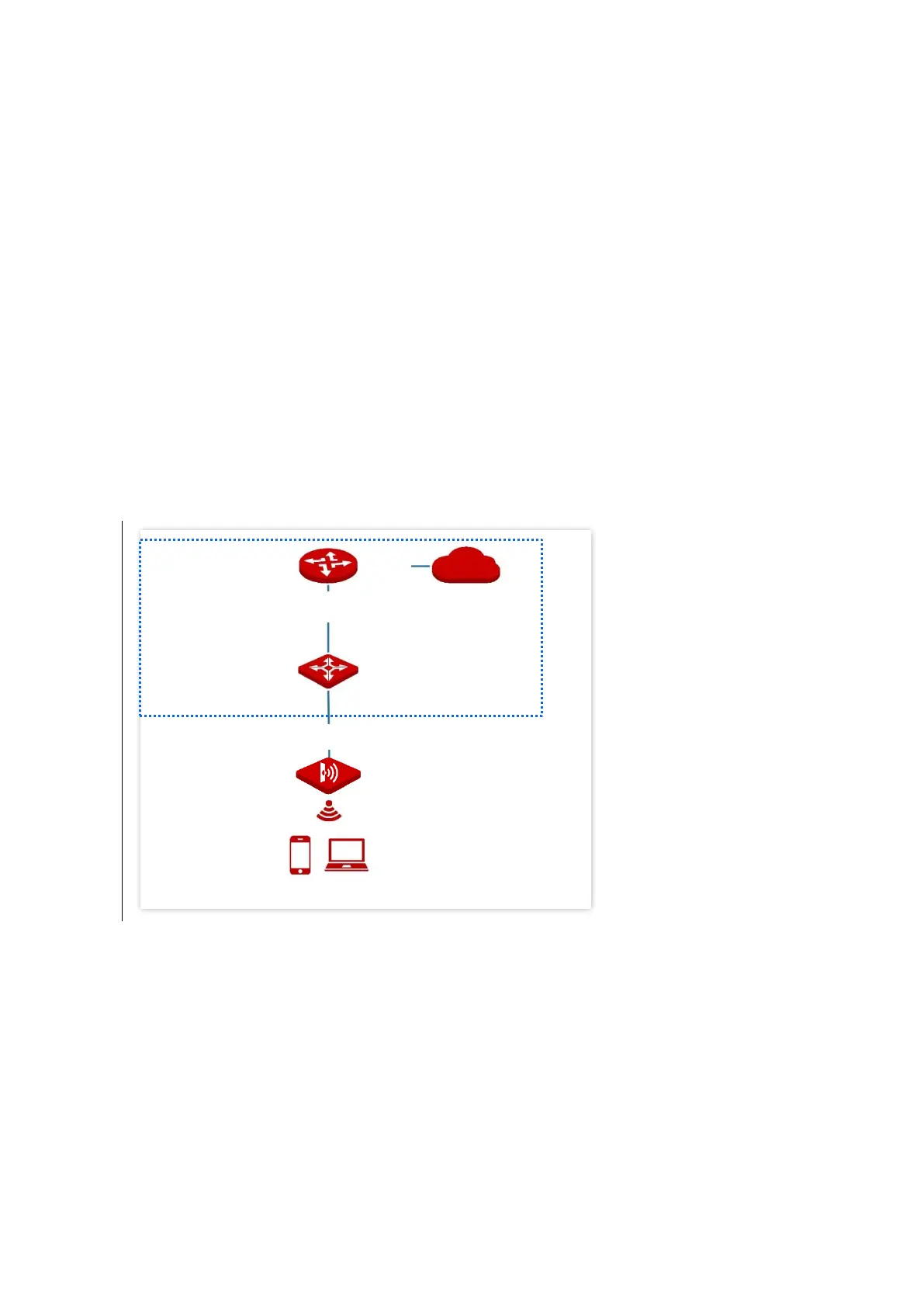
See the following topology (The PoE LAN port serves as the uplink port).



 To Next Page