Version V1.0
16
5 Internet Settings
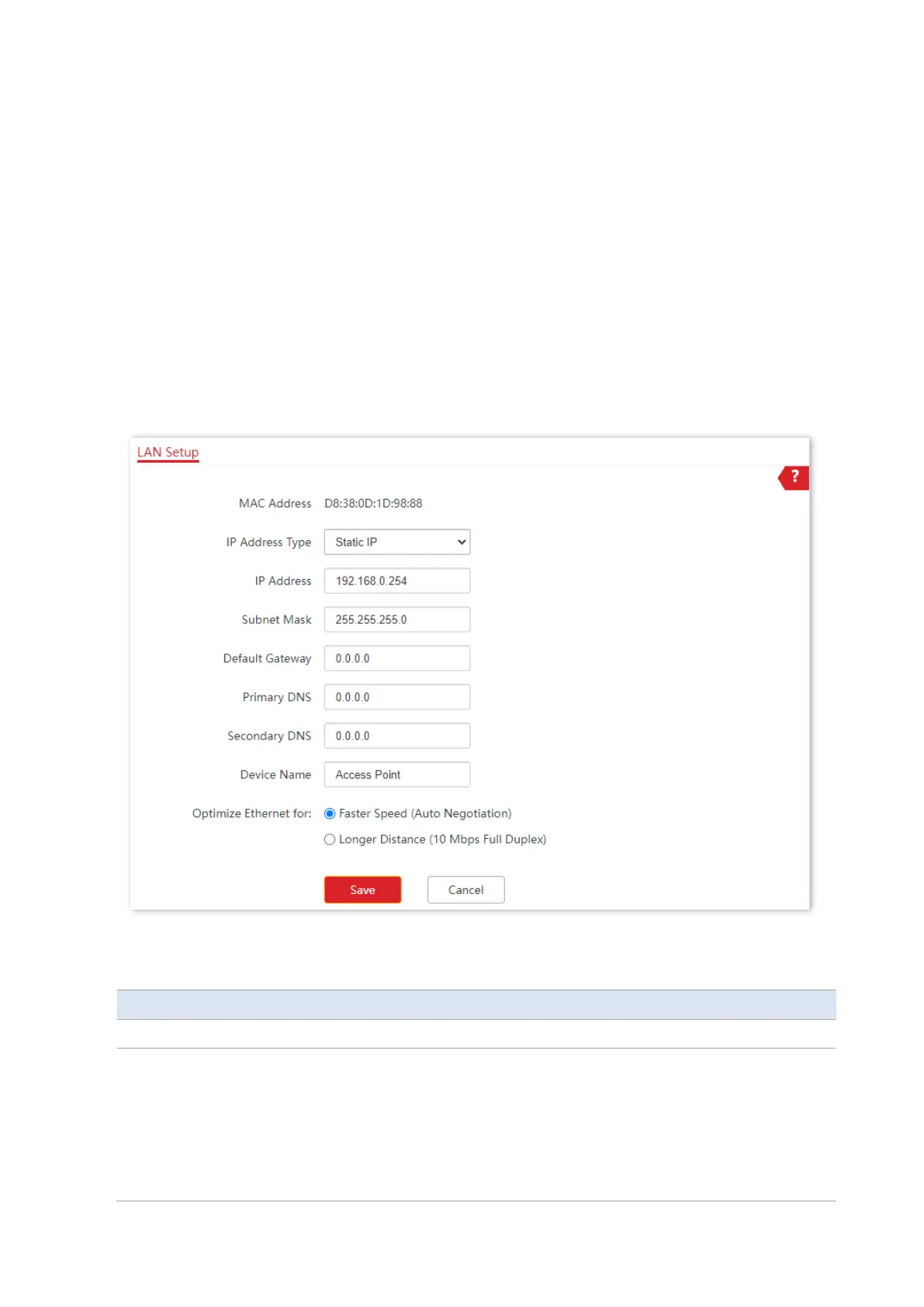
To access the page, choose Internet Settings > LAN Setup.
This page enables you to view the MAC address of the LAN port of the AP and set the name,
Ethernet Mode, IP obtaining method, and other related parameters of the AP.
Parameter description
It specifies the IP address obtaining mode of the AP.
−
Static IP: It indicates that the IP address, subnet mask, gateway, and DNS
server information of the AP are set manually. It is proper for the scenarios
where only one or several APs are required in the network.
−
DHCP (Dynamic IP Address): It indicates that the IP address, subnet mask,
gateway, and DNS server information of the AP is obtained from a DHCP
server on your LAN. It is proper for the scenarios where a large group of



 To Next Page