Version V1.0
61
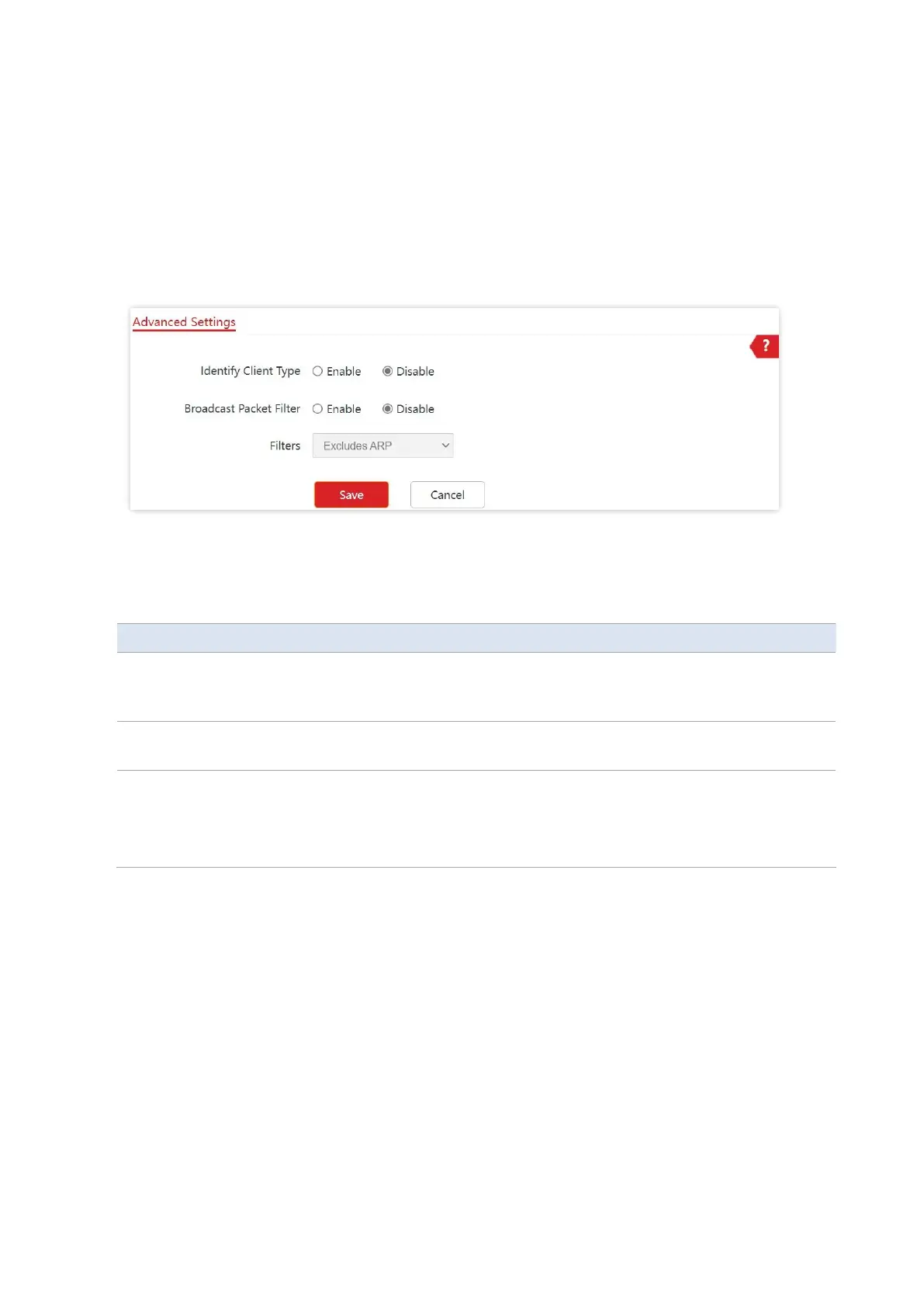
6.7.2 Configure Advanced Settings
1. Choose Wireless > Advanced Settings
2. Change the parameters as required.
3. Click Save.
---End
Parameter description
If this function is enabled and the client connected to the AP has accessed an
http:// URL, the operating system type of the client can be viewed by choosing
Status > Client List.
If this function is enabled, the AP can reduce air interface resources usage and
ensure the bandwidth for business data transfer.
Select a mode after you enable the Broadcast Packet Filter function.
−
Excludes DHCP and ARP: Filter out all broadcast or multicast data except
DHCP and ARP packets.
−
Excludes ARP: Filter out all broadcast or multicast data except ARP packets.



 To Next Page