Version V1.0
65
6.8.3 Example of Configuring QVLAN Settings
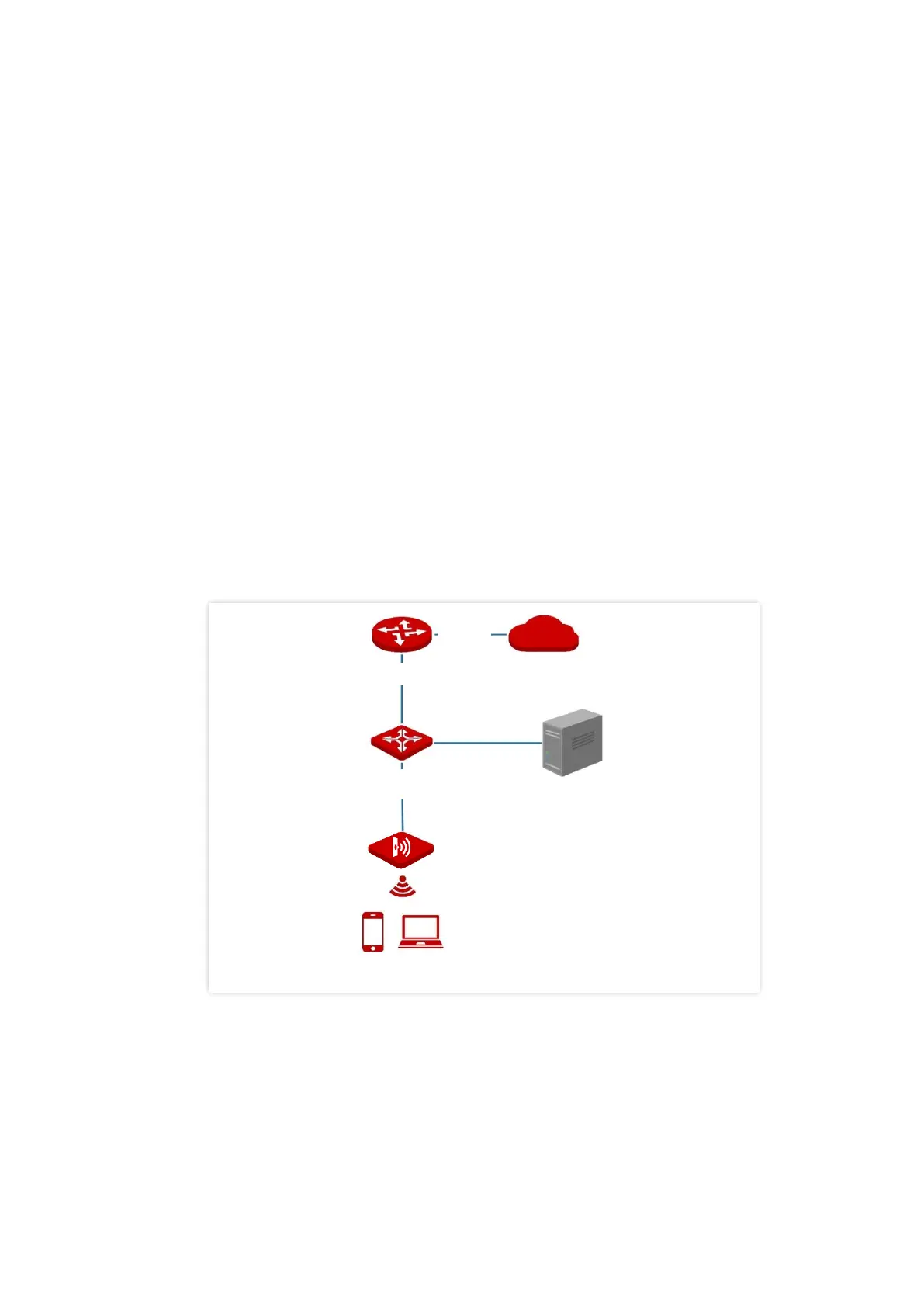
Networking requirement
A hotel has the following wireless network coverage requirements:
− Guests are connected to VLAN 2 and can access only the internet.
− Staffs are connected to VLAN 3 and can access only the LAN.
− Managers are connected to VLAN4 and can access both the LAN and the internet.
Networking assumption
− Set the SSID to internet for guests, oa for staffs, and vip for managers for 2.4 GHz
network.
− Configure VLANs for the three SSIDs on AP.
− Configure VLAN forwarding rules on switch.
− Configure VLAN forwarding rules on router and internal server.



 To Next Page