Version V1.0
80
8.3 Account
8.3.1 Overview
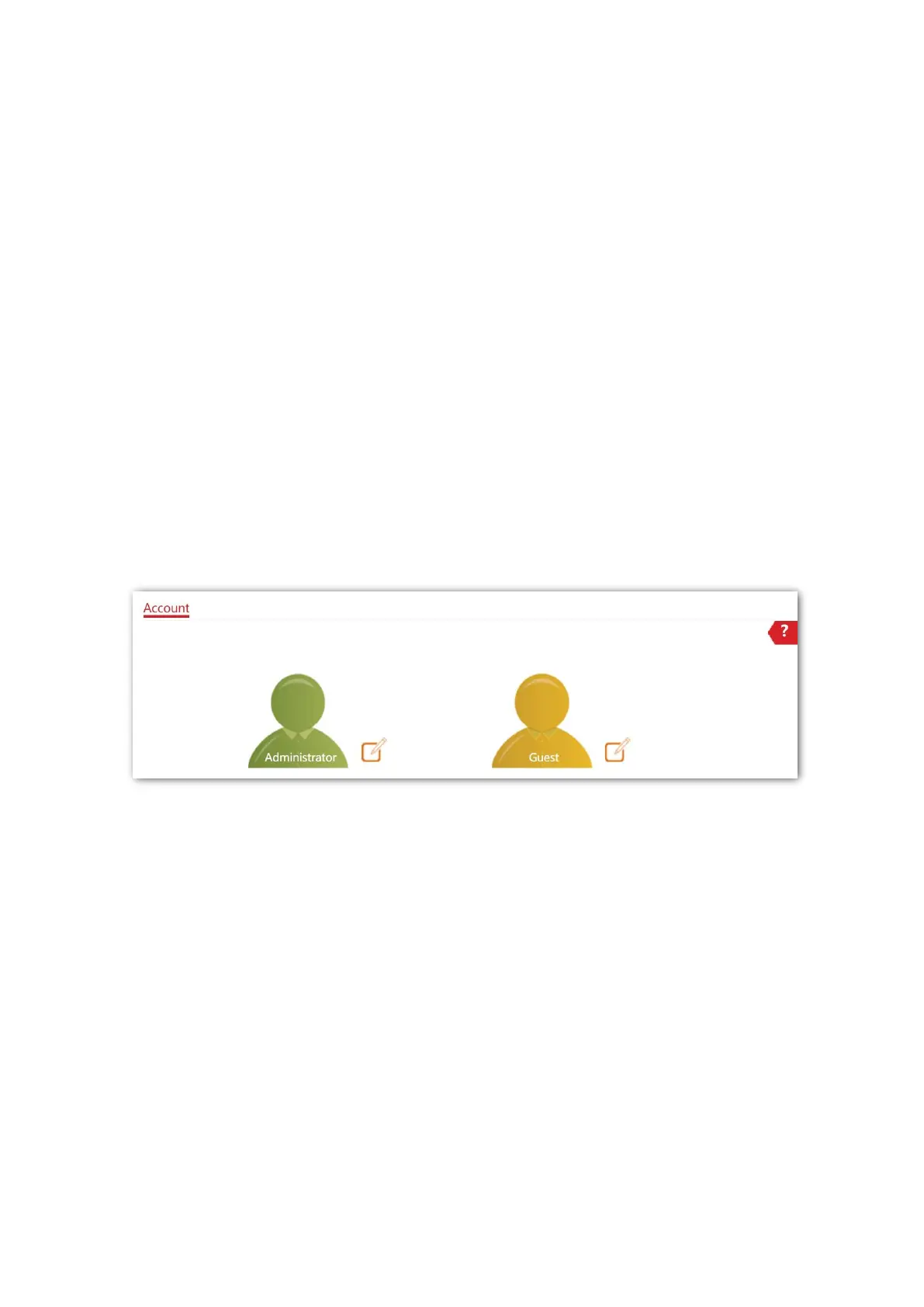
The Account page allows you to modify the information of the login account to keep
unauthorized users from entering the web UI and modifying configurations, thus protecting
the wireless network.
To access the page, choose Tools > Account.
The AP supports two account types: Administrator and Guest.
− Administrator: This account type has permission to view and modify the settings.
The default username and password for this account are admin/admin (both are
case-sensitive).
− Guest: This account type can only view other than modifying the settings. The
default username and password for this account are user/user (both are
case-sensitive). This account type is disabled by default.



 To Next Page