Version V1.0
27
6.1.3 Example of Setting up a Wireless Network Encrypted with
PSK
Networking requirement
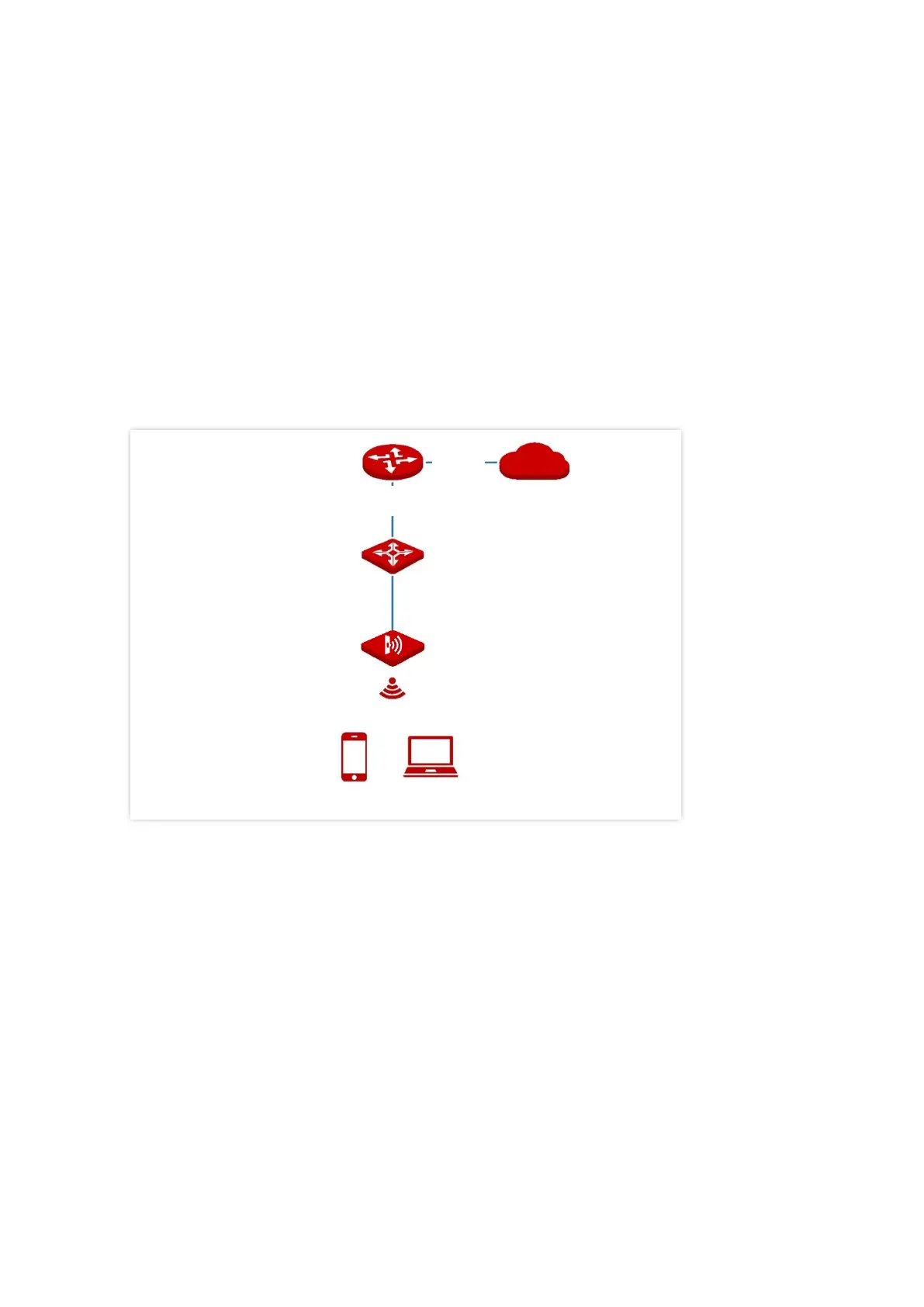
A hotel wireless network with a certain level of security must be set up through a simple
procedure.
In this case, WPA-PSK, WPA2-PSK or Mixed WPA/WPA2-PSK security mode is recommended.
See the following figure.
Configuration procedure
Assume that the second SSID of the AP, the WPA2-PSK security mode, and AES encryption
algorithm are used.
1. Choose Wireless > SSID.
2. Select the second SSID from the SSID drop-down list box.
3. Set Status to Enable.
4. Change the value of SSID to hotel.
5. Set Security Mode to WPA2-PSK and Encryption Algorithm to AES.
6. Set Key to qtW7J5cA.



 To Next Page