Version V1.0
76
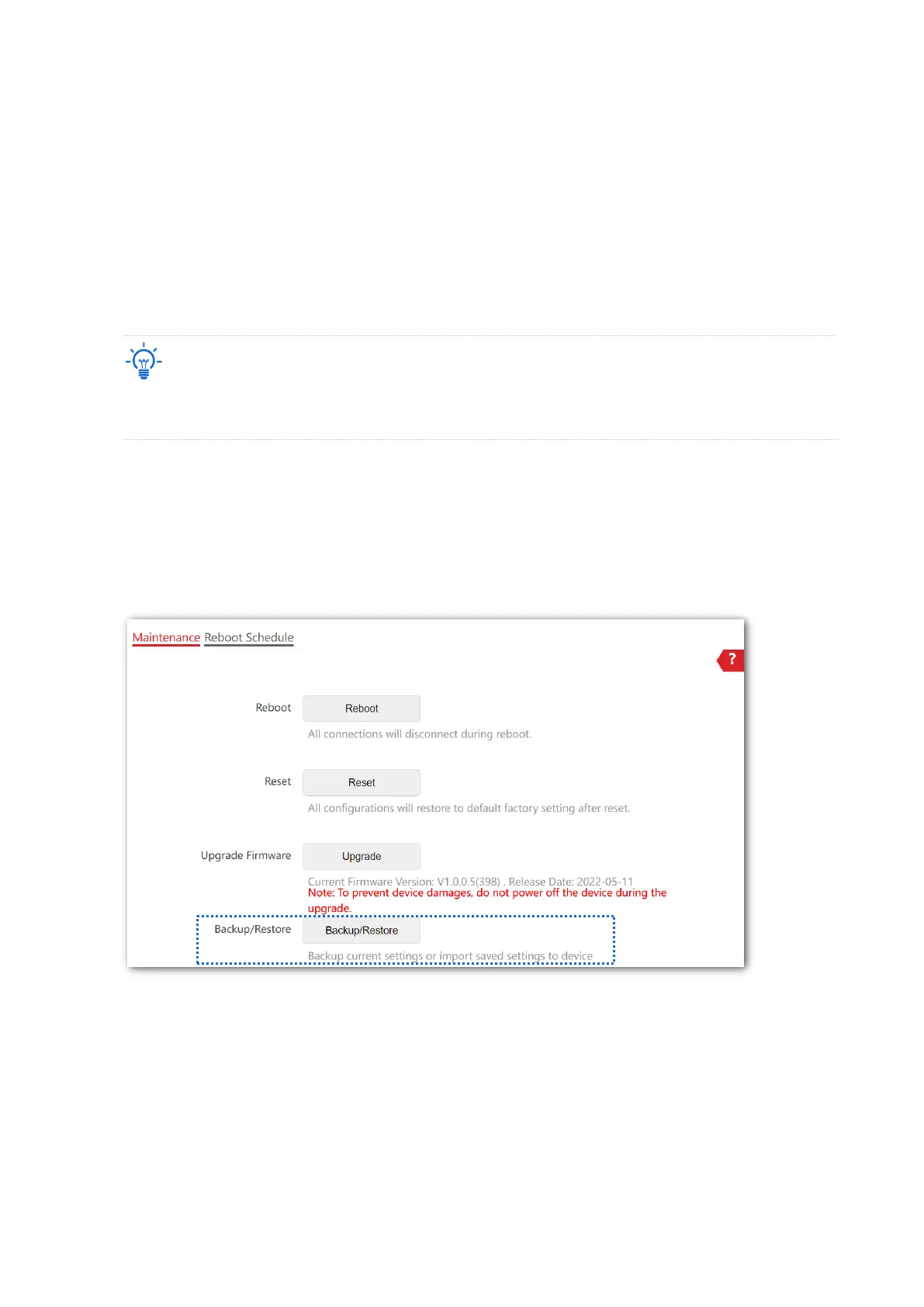
8.2.4 Backup/Restore
The backup function is used to export the current configuration of the AP to your computer.
The restore function is used to import a configuration file to the AP.
You are recommended to back up the configuration after it is significantly changed. When the
performance of your AP decreases because of an improper configuration, or after you restore
the AP to factory settings, you can use this function to restore a configuration that has been
backed up.
If you need to apply same or similar configuration to many APs, you can configure one of the APs, back up
its configuration, and use the backup configuration file to restore the configuration of other APs.
Back up the current configuration
1. Choose Tools > Maintenance > Maintenance.
2. Click Backup/Restore.



 To Next Page