Version V1.0
85
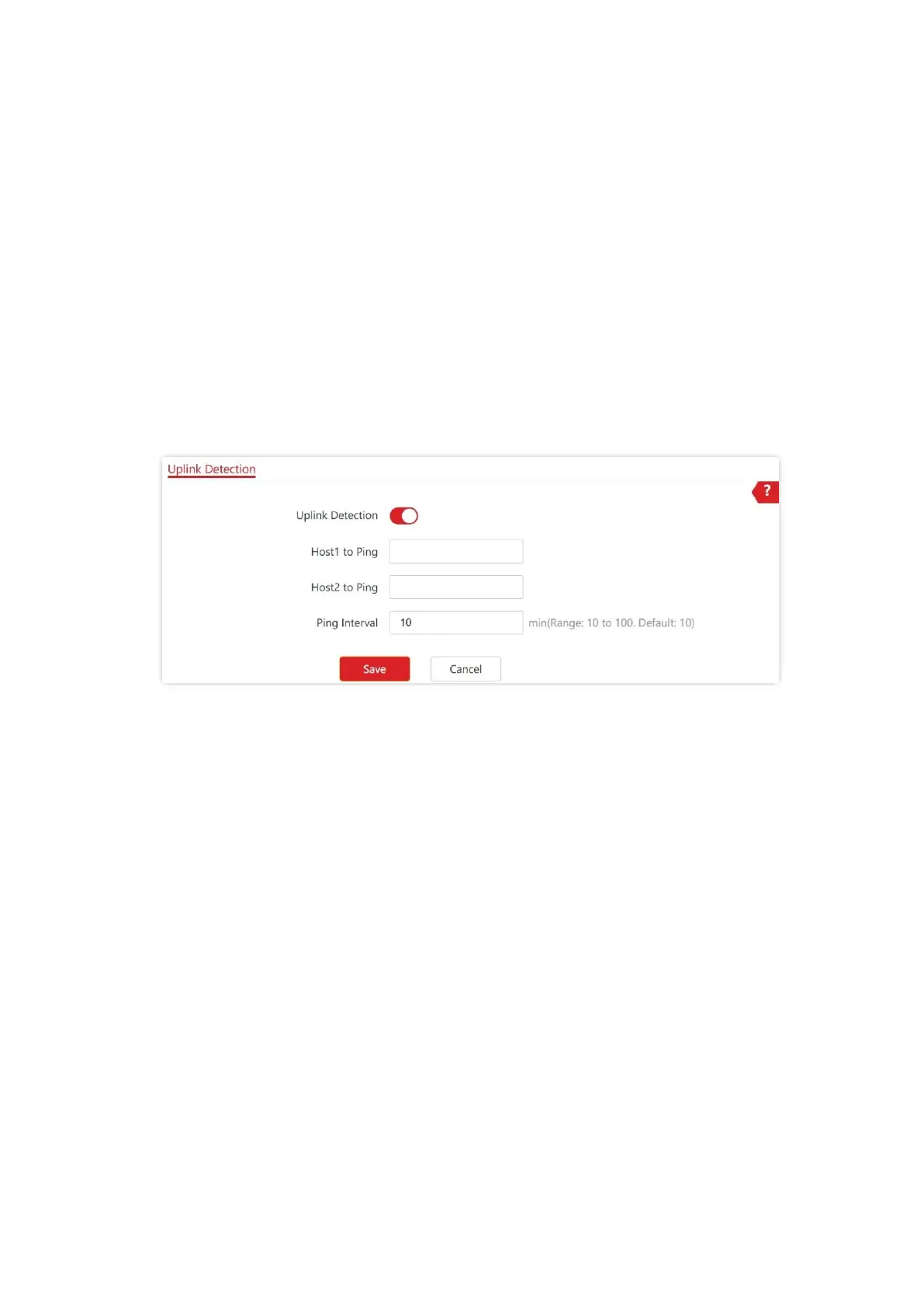
8.6.2 Configure Uplink Detection
1. Choose Tools > Uplink Check.
2. Enable Uplink Detection.
3. Enter the IP address of the host to be pinged in Host1 to Ping or Host2 to Ping, such as
the IP address of the switch or router directly connected to the Ethernet port of the AP. If
there is only one host IP address, enter this IP address in both Host1 to Ping and Host2 to
Ping.
4. Set Ping Interval to the interval at which the AP detects its uplink. The default value is 10
minutes.
5. Click Save.
---End



 To Next Page