Version V1.0
29
6.1.4 Example of Setting up a Wireless Network Encrypted with
WPA or WPA2
Networking requirement
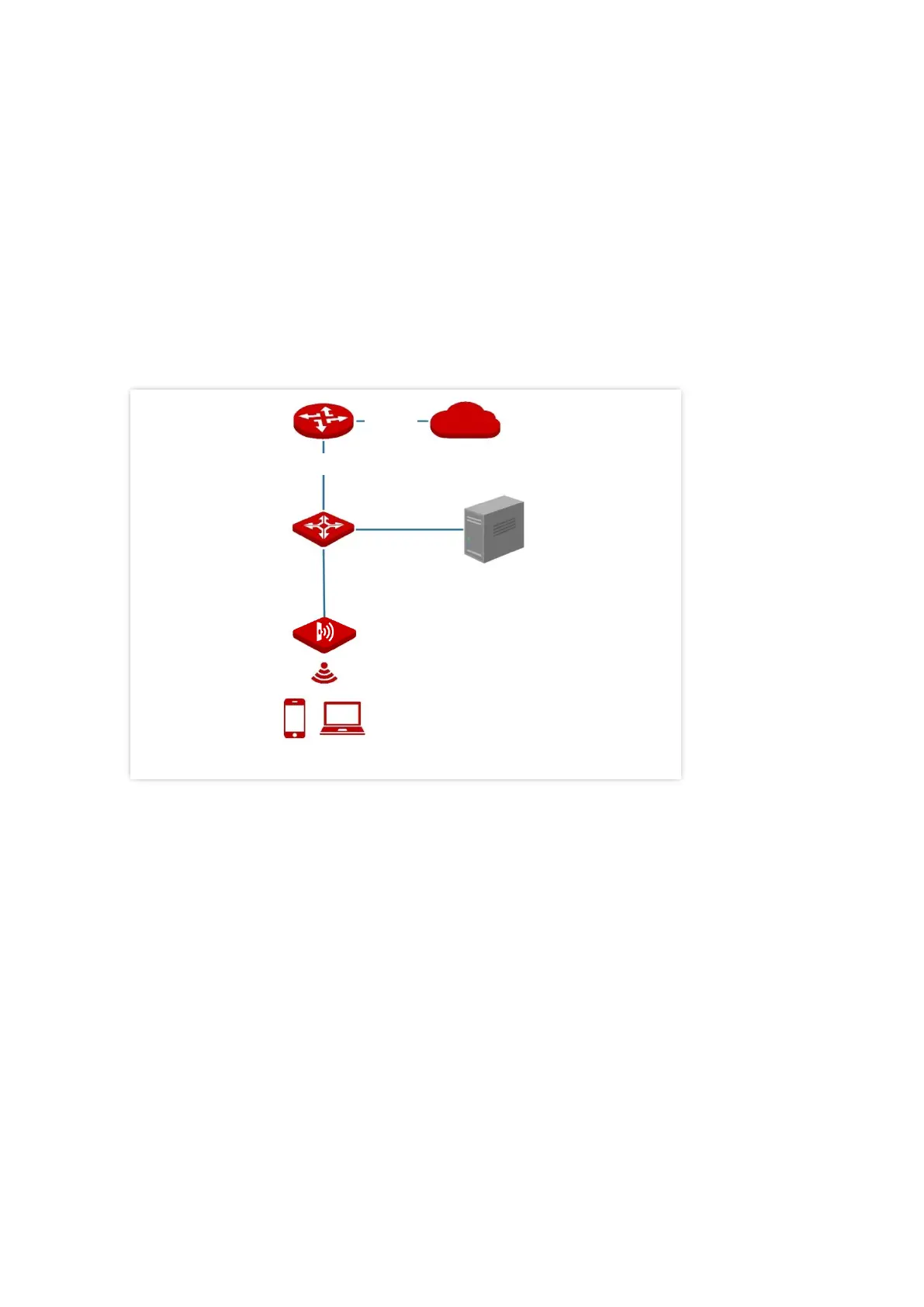
A highly secure wireless network is required and a RADIUS server is available. In this case,
WPA or WPA2 mode is recommended.
Assume that the IP address of the RADIUS server is 192.168.0.200, the Key is qtW7J5cA, and
the port number for authentication is 1812. See the following figure.



 To Next Page