Version V1.0
75
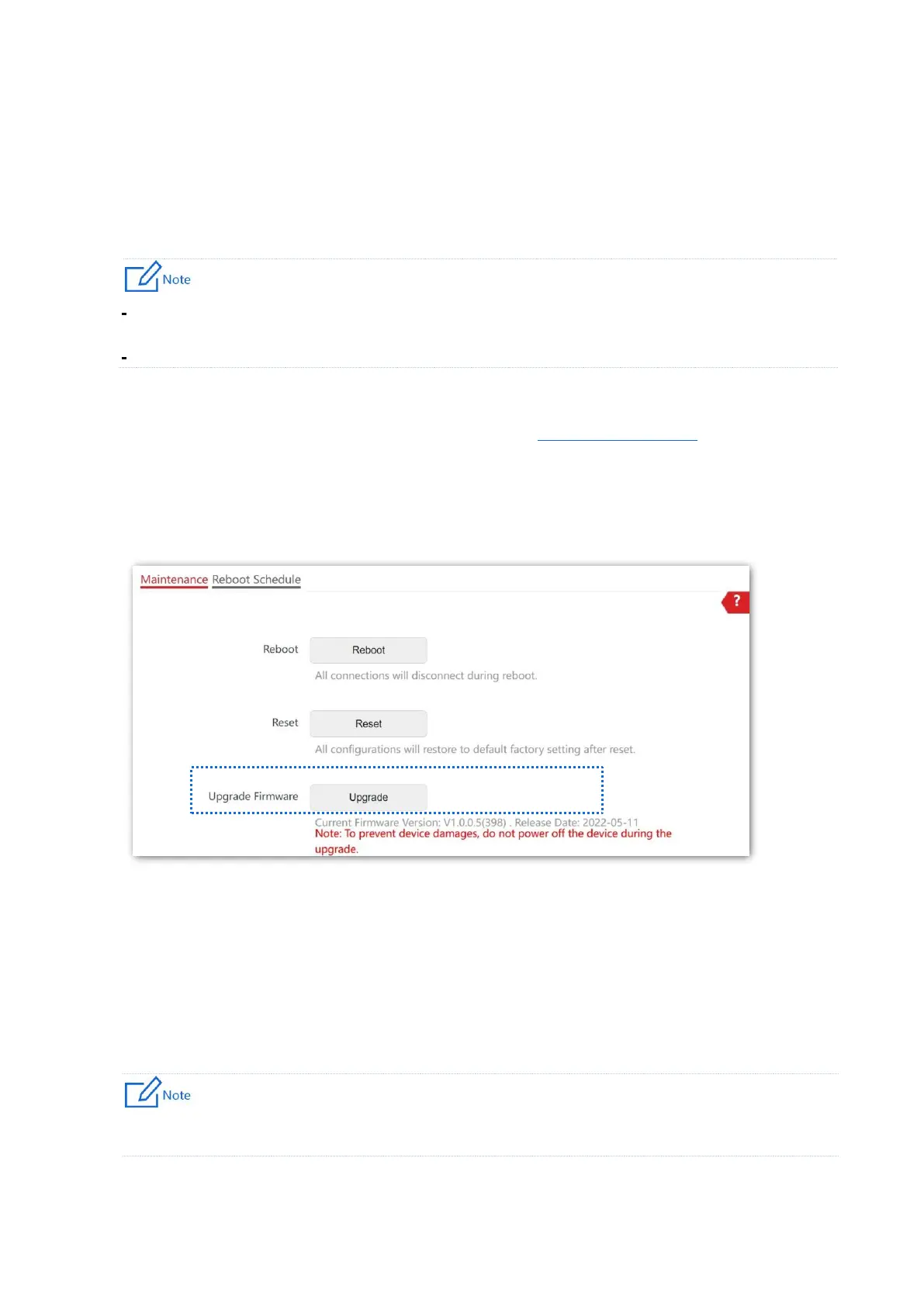
8.2.3 Upgrade Firmware
This function enables you to upgrade the AP’s firmware to get more functions and higher
stability.
To enable your AP to work properly after an upgrade, ensure that the firmware used to upgrade
complies with your product model.
When upgrading, do not power off the AP.
Procedure
1. Download the latest firmware version for the AP from www.ip-com.com.cn to your local
computer, and decompress the package. Generally, the package is in the format of .bin.
2. Log in to the web UI of the AP and choose Tools > Maintenance > Maintenance.
3. Click Upgrade.
4. Choose the upgrade file in the pop-up window.
---End
Wait until the progress bar completes. Then log in to the web UI of the AP again. Choose
Status > System Status and check whether the upgrade is successful according to the
Firmware Version parameter.
If you upgrade low transmit power version to/from high transmit power version, reset the AP after
upgrading completes to apply your settings.



 To Next Page