Version V1.0
78
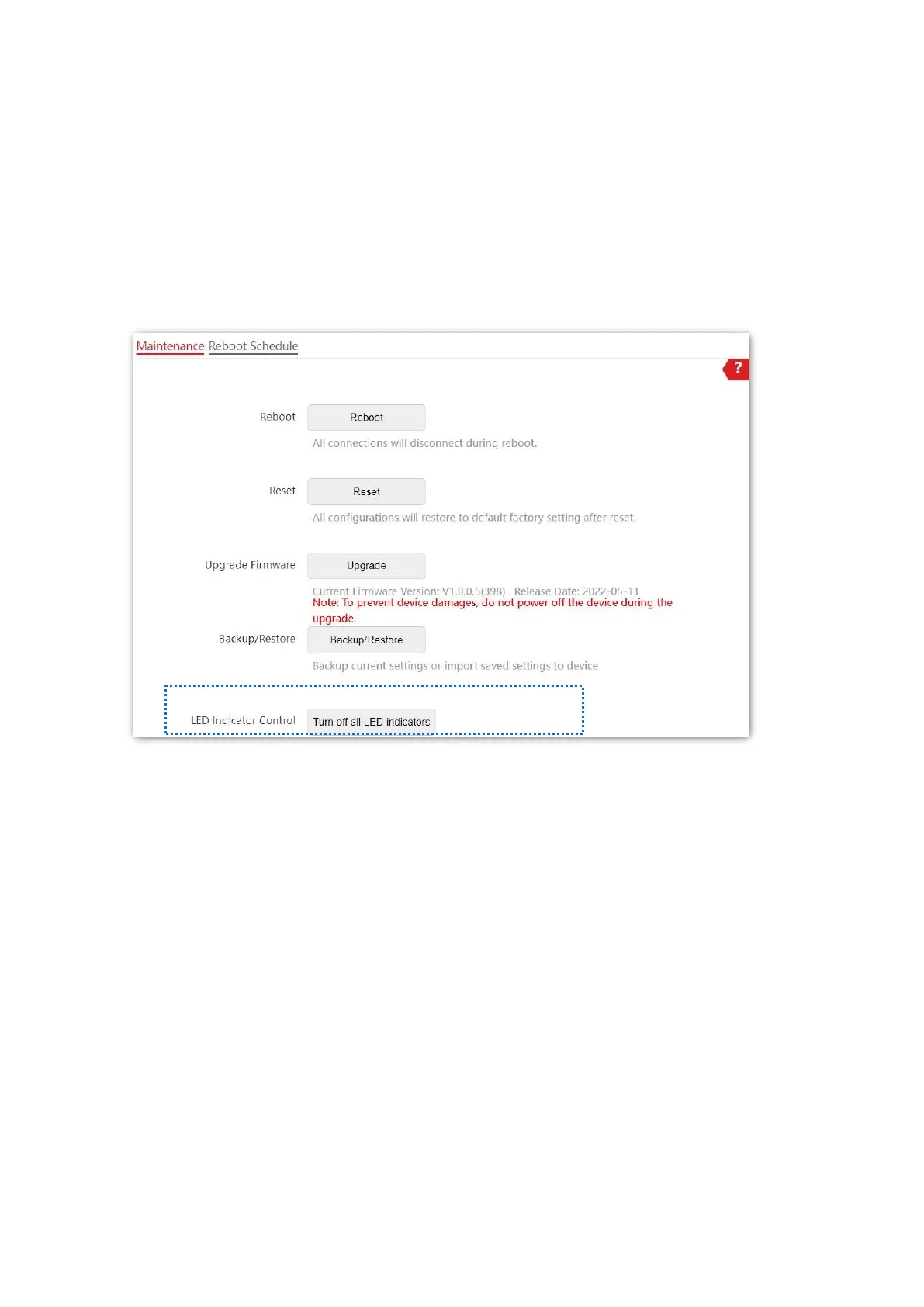
8.2.5 LED Indicator Control
This function enables you to turn on/off the LED indicator of the AP. By default, the LED
indicator is turned on.
Turn off LED indicator
On the Tools > Maintenance > Maintenance page, click Turn off all LED indicators.
After the configurations, the LED indicator is turned off and no longer displays the working
status of the AP.



 To Next Page