Version V1.0
73
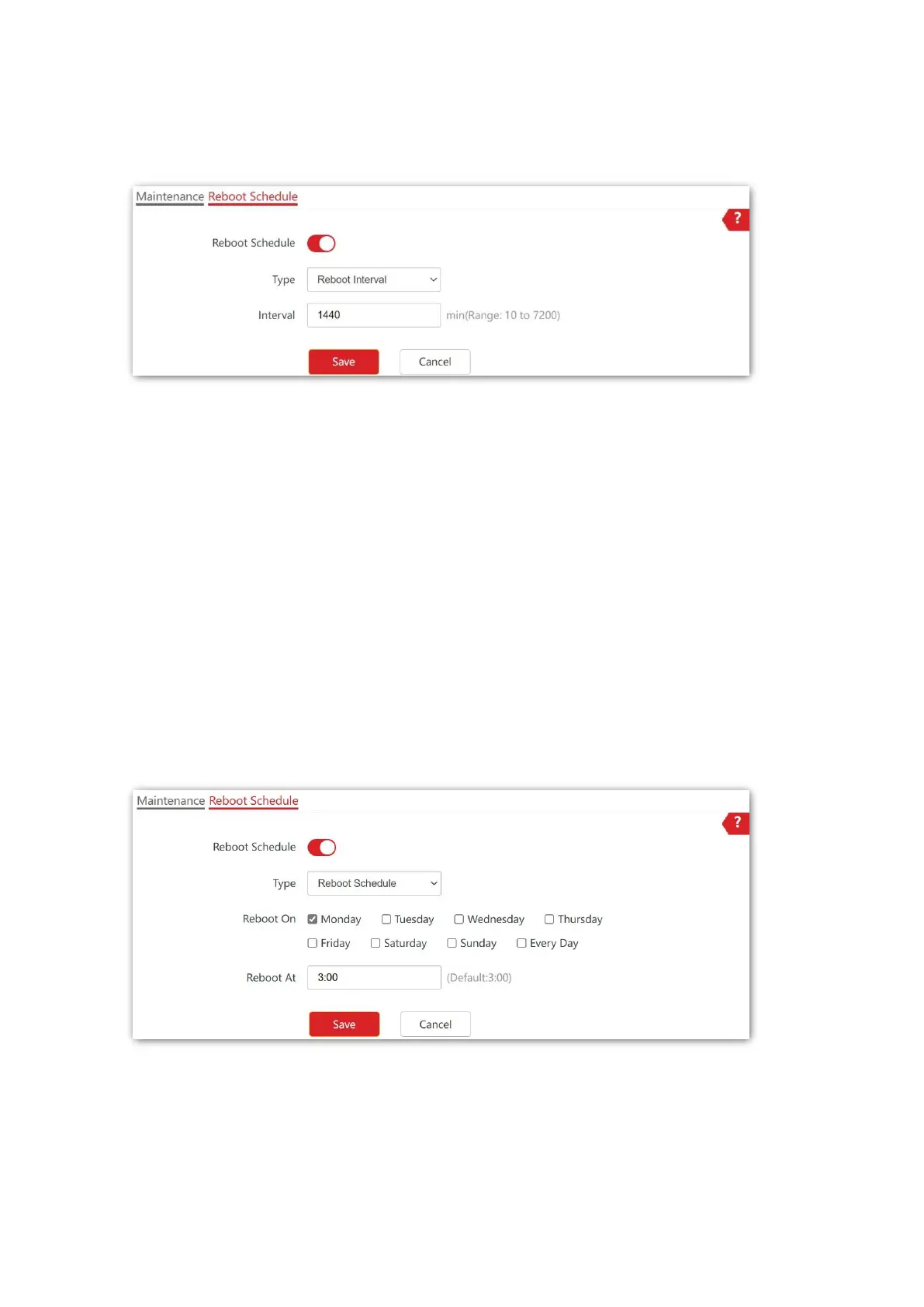
4. Set Interval as required, which is 1440 minutes in this example.
5. Click Save to apply your settings.
---End
After the configurations, the AP will automatically reboot in a day.
◼ Configure the AP to reboot at specifed time
1. Choose Tools > Maintenance, and click the Reboot Schedule tab.
2. Enable Reboot Schedule.
3. Select Reboot Schedule from the Type drop-down list menu.
4. Reboot On: Select the required day(s) when the AP reboots, which is Monday in this
example.
5. Reboot At: Set the time when the AP reboots, which is 3:00 in this example.
6. Click Save to apply your settings.
---End
After the configurations, the AP will automatically reboot at 3:00 every Monday.



 To Next Page