Version V1.0
38
III. Configure your wireless device
Windows 7 is taken as an example to describe the procedure.
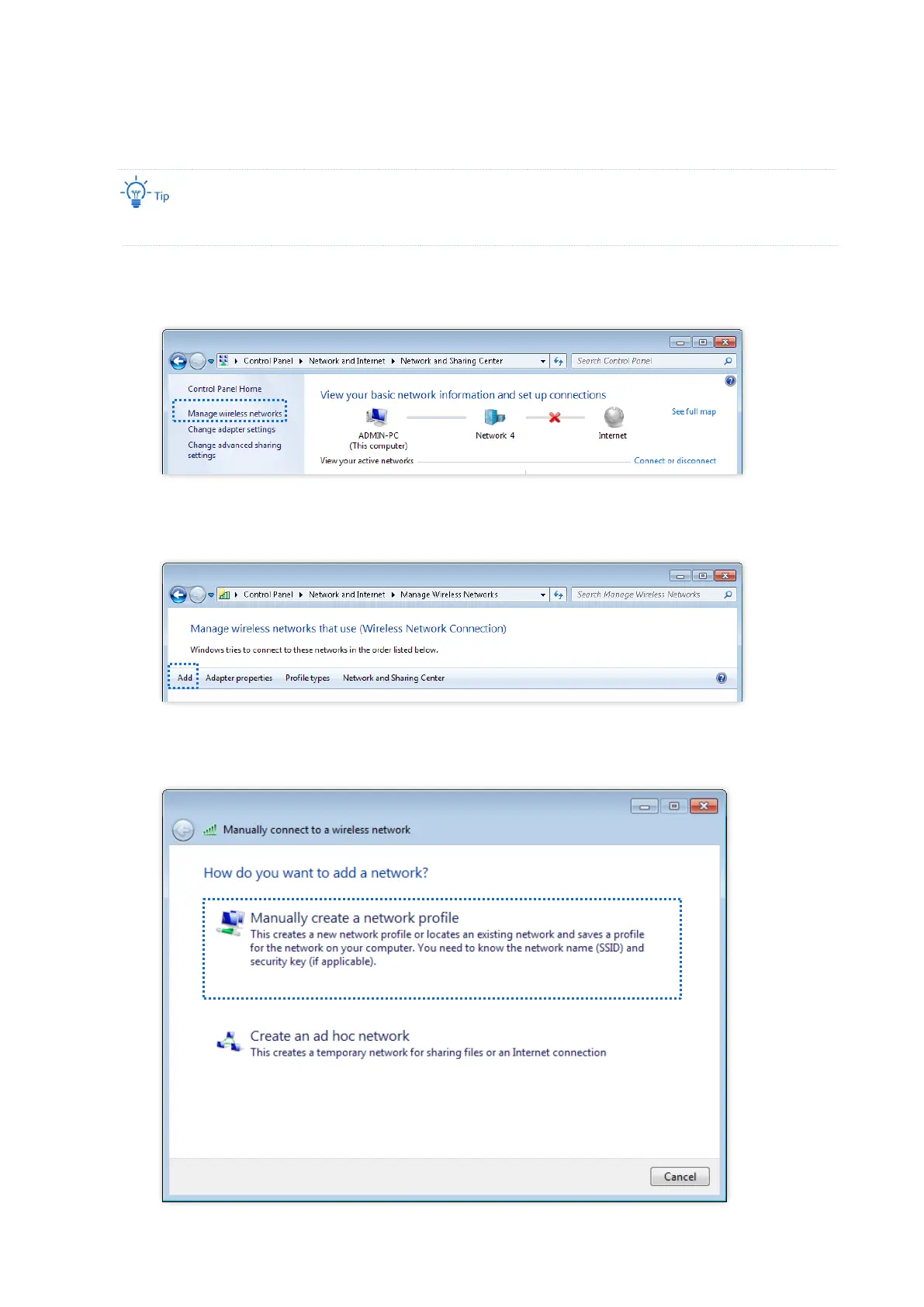
1. Choose Start > Control Panel, click Network and Internet, click Network and Sharing
Center, and click Manage wireless networks.
2. Click Add.
3. Click Manually create a network profile.



 To Next Page