Version V1.0
51
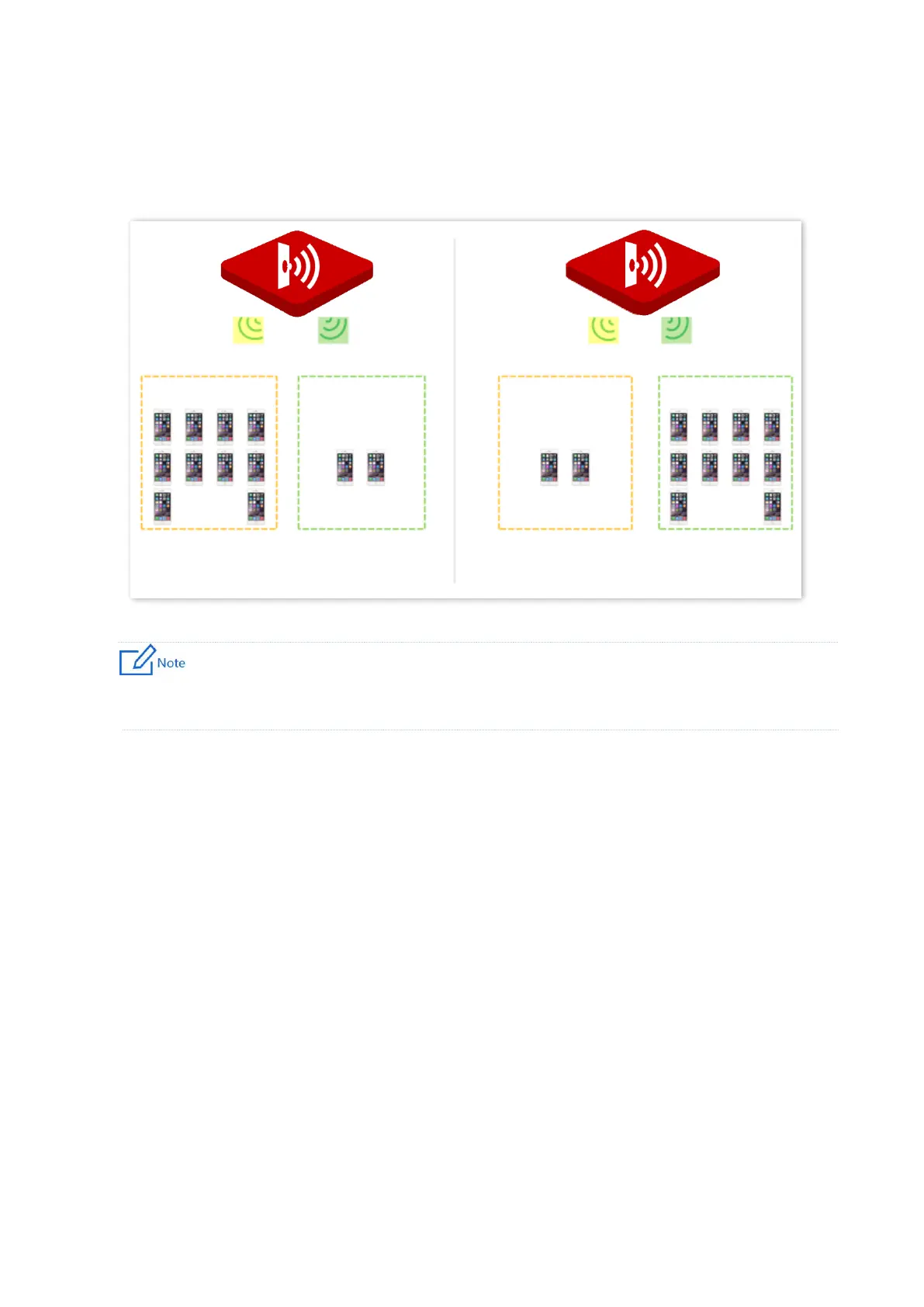
The Prioritize 5 GHz function enables such dual-band wireless clients to connect the 5 GHz
band on network initialization if the 5 GHz signal strength the AP received reaches or exceeds
the 5 GHz threshold so as to improve the utilization of the 5 GHz band, reduce the load and
interference on the 2.4 GHz band, thus bettering user experience.
The prioritize 5 GHz function takes effect only on the condition that both the 2.4 GHz and 5 GHz wireless
networks are enabled, and the two bands share the same SSID, security mode and password.
◼
Air Interface Scheduling
In mixed wireless rates environment, the traditional First-in First-out (FIFO) allocates more air
interface time to clients with low transmission capacity and low spectrum efficiency, reducing
the system throughput of each AP then the system utilization.
The air interface scheduling function evenly allocates downlink transmission time to clients so
that clients with high transmission rate could transmit more data, improving the throughput
of each AP and number of clients allowed to be connected.



 To Next Page