4230 Flow Meter
Section 2 Programming
2-20
2.7.2 Serial Output Returning to the OPTIONAL OUTPUTS menu, you will see the
SERIAL OUTPUT option. This feature lets the flow meter
transmit the most recent values for all currently enabled ports as
ASCII text. You can then write a simple program to retrieve this
data periodically, or you can do it interactively using a terminal
program.
Note
The information in the following section is provided for those
who can write their own software programs to process the data
transmitted from the Serial Output port. Special cables may be
required. Contact Isco technical support for more information.
Command Line: (Use the INTERROGATOR connector.) The
lines of text contain the port values for each port that is turned
on. The DATA command will use a special command response
protocol. The following table provides the ASCII codes for port
types and standard units of measure.
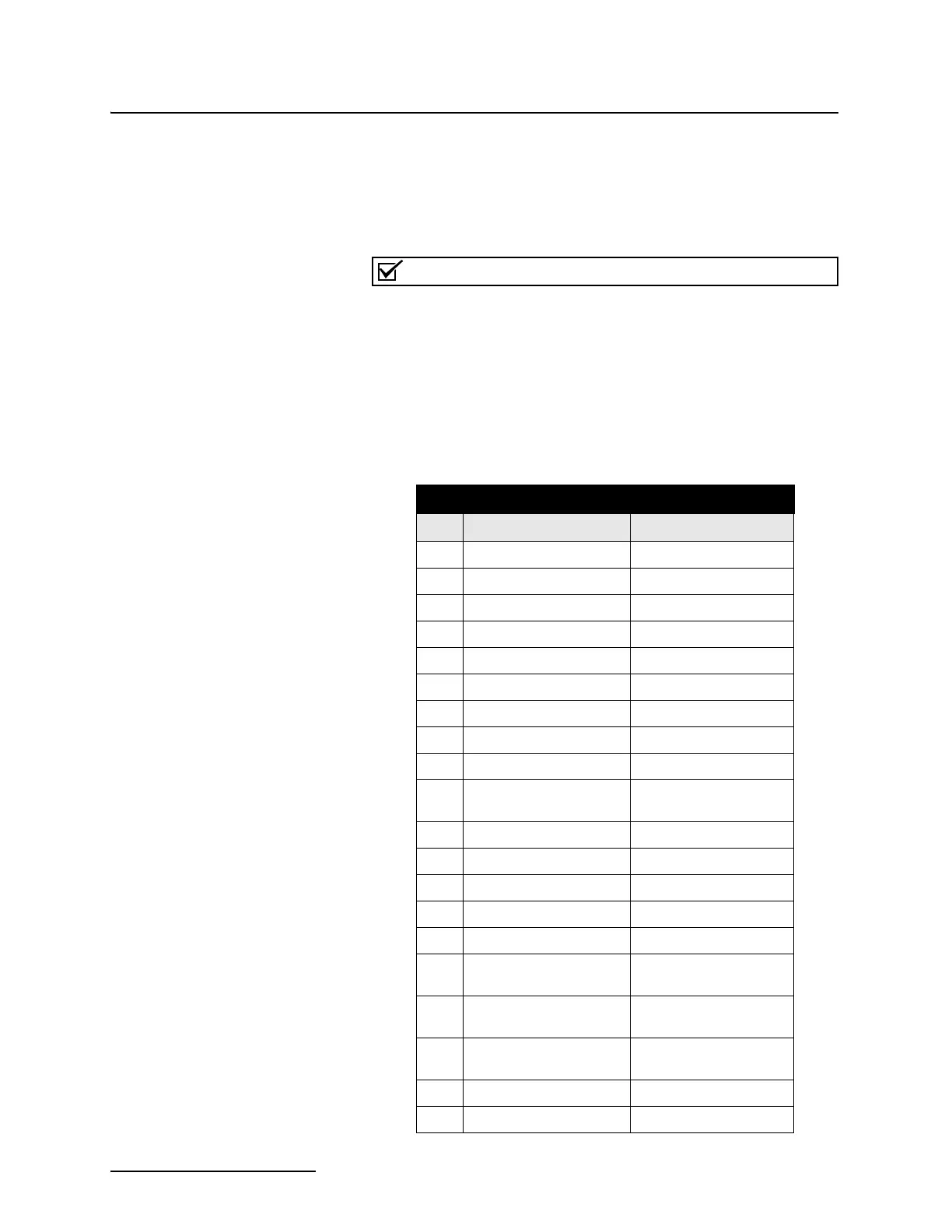
Table 2-1 ASCII Output Codes
Code Parameter Units
DE Description String
ID Unit specific identifier Unsigned long
MO Model String
TI Time since 1900 Days
BV Battery Voltage Volts
LE Level Meters
LSI Level Signal Strength 0 - 100%
VE Velocity Meters per second
VSI Velocity Signal Strength 0 - 100%
VSP Velocity Spectrum
Strength
0 - 100%
FL Flow Cubic meters per second
VO Volume Cubic meters
FV Forward volume Cubic meters
RV Reverse volume Cubic meters
SV Sampler Enabled Volume Cubic Meters
RA Rain (rolls over every 255
tips)
Tips
CR Current day’s rain (tips
since midnight)
Tips
PR Previous day’s rain (tips
since midnight)
Tips
PH pH pH units
DO Dissolved Oxygen Milligrams per liter



 To Next Page