4230 Flow Meter
Section 2 Programming
2-37
The flow meter calculates flow based on this measured level. If
you select METERING INSERTS for the FLOW CONVERSION
mode, the following menu will appear:
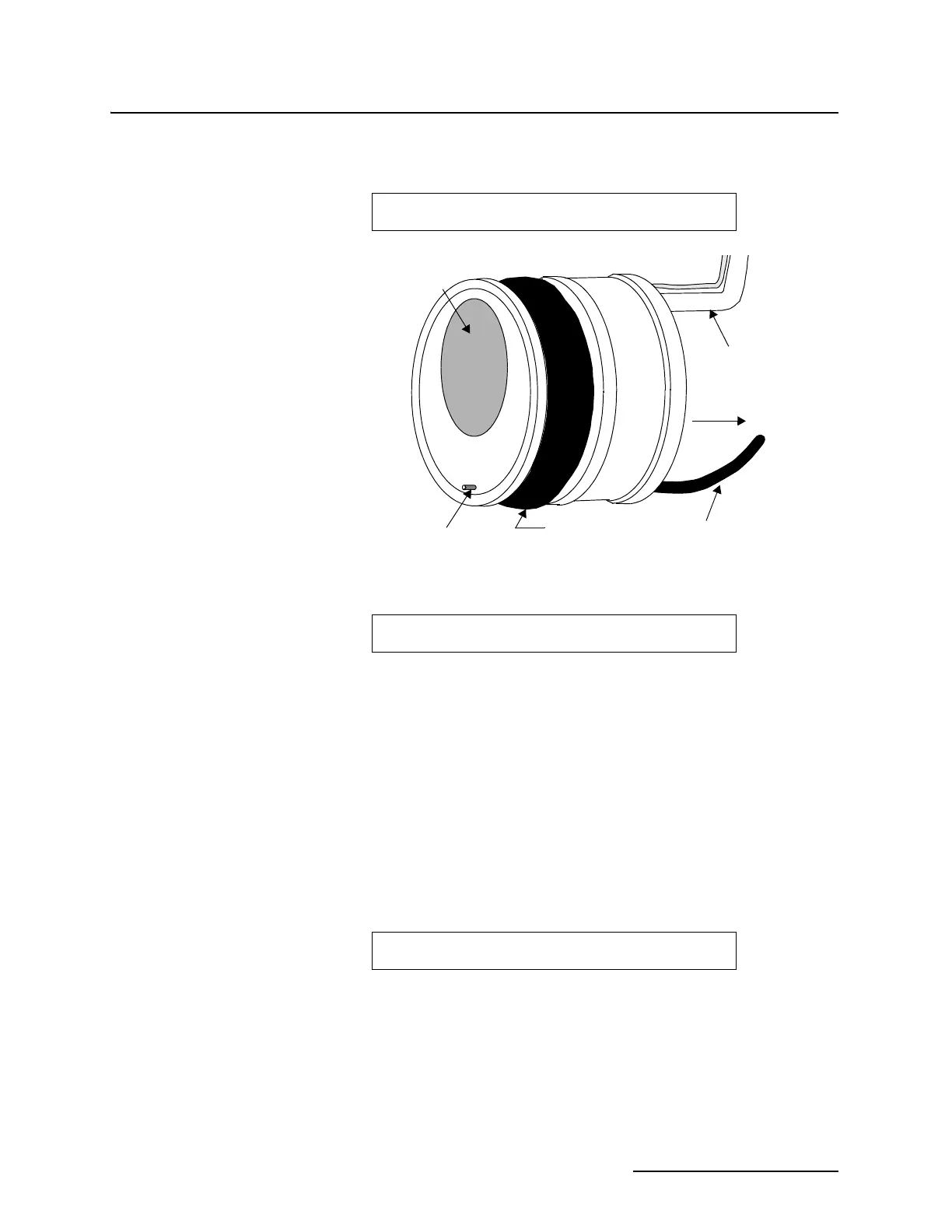
Figure 2-2 Flow Metering Insert
Then:
2.8.2 Enter Maximum Head Before advancing from step 2 (Flow Conversion) to step 3
(Adjust Parameters), the flow meter will request that you enter a
value for Maximum Head (Level) for the device or flow con-
version you are using.
For most standard measuring devices, this information is pub-
lished or is available from the device manufacturer. Note,
however that you should not arbitrarily use the largest value
available. Instead, use the value that is the largest expected level
for your actual situation, even if this is less than the published
maximum.
The flow meter's internal resolution and its accuracy are based
on the value you enter for Maximum Head. The flow meter will
display:
2.8.3 Programming the 4-20
mA Outputs
If you turn on any of the 4-20 mA outputs (ANALOG OUTPUTS)
in step 1 Setup, programming the actual operation of the output
appears in step 2 Select Flow Conversion.
SELECT WEIR/ORIFICE TYPE
• V-NOTCH • • ROUND •
Rubber Bladder
Bubbler
Handle
Orifice
Round
Air Line
Flow
SELECT FLOW INSERT SIZE
• 6" • • 8" • • 10" • • 12" •
FLOW RATE AT MAXIMUM HEAD
X.XXX CFS (or other units of measure)



 To Next Page