page 60
ASTRA
• Operation Manual • Rev. 0124C
Chapter 6. Normal Mode
Example: PLU “1”
➜
1
Example: Apply a “10%” discount
➜
PLU
1
-%
ZERO
NET
PLU
AUTO
SAVE
0
6.1 Normal Mode Operations
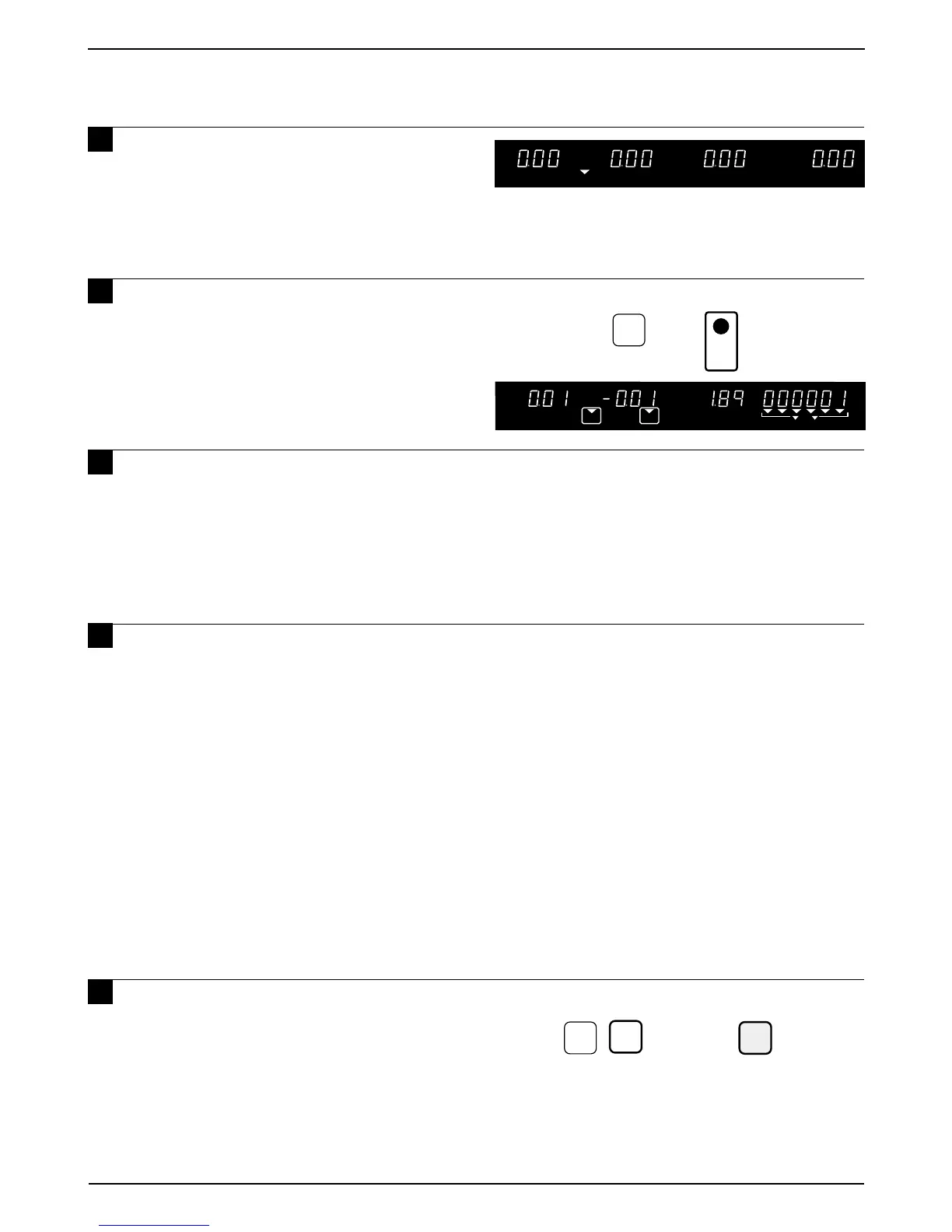
1 Ensure that the power is ON, the
ZERO indicator is lit and confirm that
the initial display appears.
Note: If the ZERO indicator is not lit, press the
ZERO key to turn on the indicator.
2 Key in a PLU number and press the
PLU key, or press a preset key.
Note: In case of lower preset keys, press the MODE key
first and then press the required preset key.
3 If the PLU is to be kept on the display
to print additional labels, press the
SAVE key. Otherwise skip this step.
Note: The SAVE key must be registered as a
preset function key in P04 PRESET KEY
of Registration Mode.
4 If necessary, place an item on the
weigh platter to subtract tare weight.
Refer to Section 6.2, “Tare Weight
Subtraction” for a more detailed operation.
Note 1: If the tare weight is already registered in
the specified PLU, this step is
unnecessary.
Note 2: If the PLU is a fixed price item, this step
is unnecessary.
Note 3: If the AUTO indicator is lit, the label is
automatically issued immediately after
the weight has stabilized.
Note4: To eliminate the AUTO indicator, press
the AUTO/MANU key.
5 Key in the data and then press the
required PRESET FUNCTION key if
necessary.
Refer to Section 6.3, “Preset Function Key
Definition” for a more detailed procedure.
Note: The % key must be registered as a preset
function key in P04 PRESET KEY of
Registration Mode.



 To Next Page