CCI.TECU – Operation
Pos: 9 /CC -Isobus/Bedienung @ 8\mod_1273573299873_6.doc @ 120150 @ 122333323323333442222
4 Operation
4.1 Program start
CCI.TECU is activated automatically by switching on the terminal. There is direct
access to all functions via the main view.
To switch to the main view of CCI.TECU, proceed as follows:
1. Press on the "TECU" button in the main menu of the terminal on the
touchscreen or turn the scroll wheel until the button is highlighted in white and
then press on the scroll wheel.
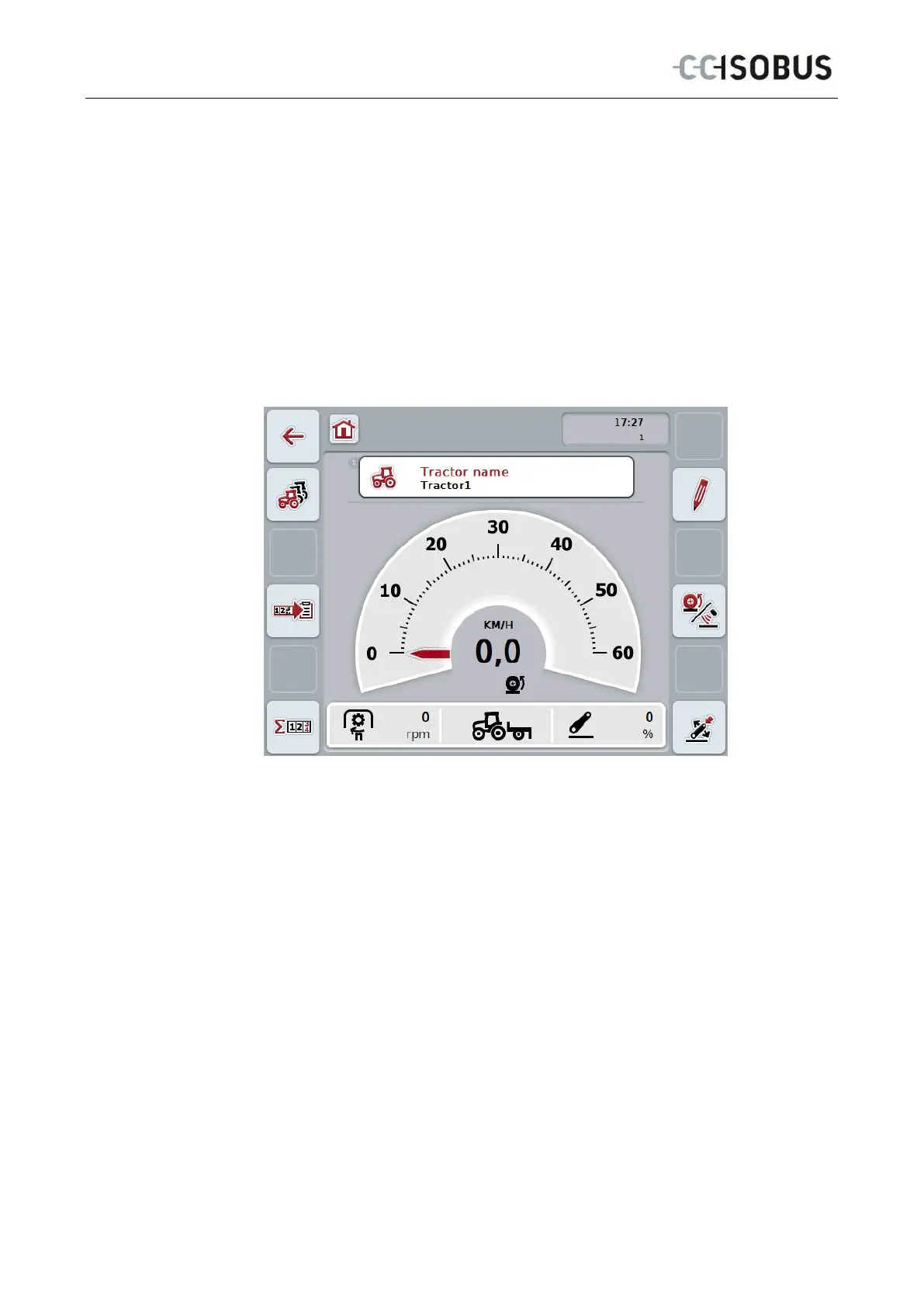
→ The following main view opens:
CCI.TECU is subdivided into 3 areas:
4.1.1 Main view
The main view is used to show the speed, power take off speed and 3-point hitch
and enables direct access to all TECU functions.
4.1.2 List of tractors
Input or modification of tractor data.
4.1.3 Hectare counter
The hectare counter shows the time since the terminal was started, the distance
covered thus far and the area of ground covered. Given that you yourself can reset
the counter at any time the hectare counter allows you to measure the actual
working time, distance covered and the area of ground processed.
10



 To Next Page