VT50 – Troubleshooting
6.3 Service
Note
If ordering spare parts or contacting customer service with a query you must
specify the serial number of the terminal.
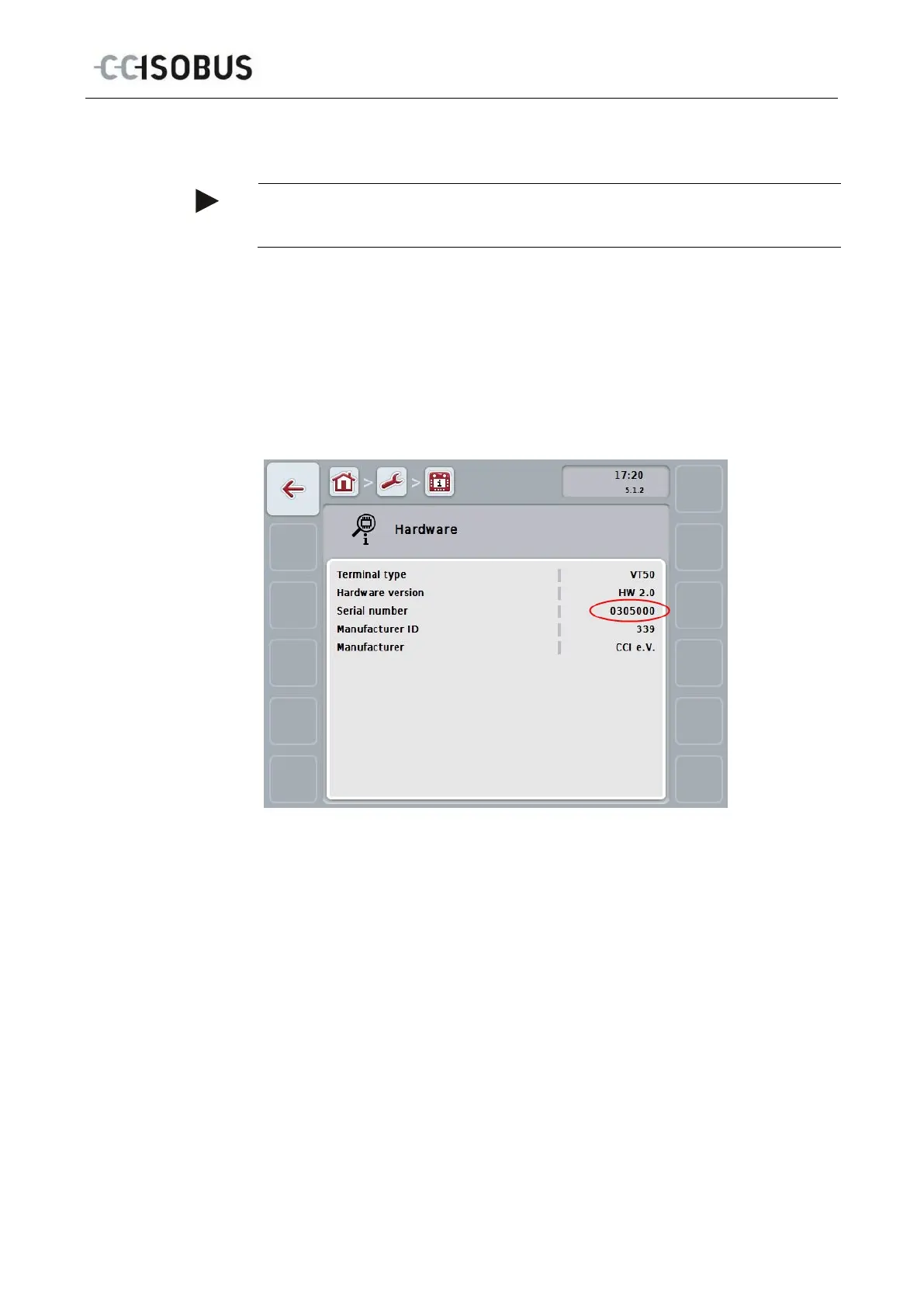
To display the serial number, proceed as follows:
1. Press the home key to enter the main menu.
2. Press the "Settings" button (F1) in the main menu.
3. Select the tab Info and Diagnostics.
4. In the tab Info and Diagnostics press the button "Terminal".
5. On the touchscreen press button "Hardware".
The following information field opens:
63



 To Next Page