CCI.Cam – Operation
4.2 Main view (one camera)
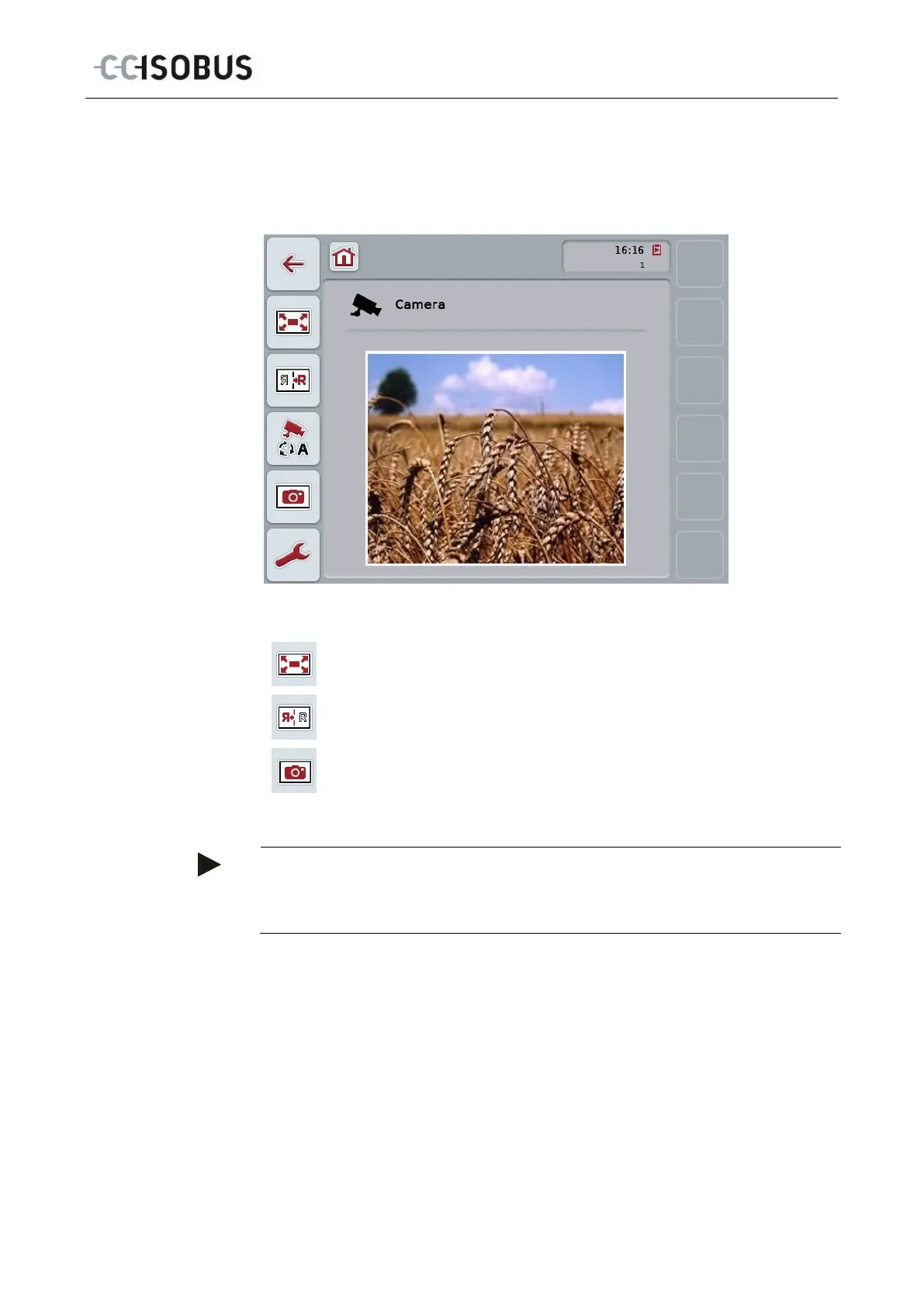
This is the main view if only one camera is connected to the terminal. The image
from this camera is displayed in the main view.
You have the following operating options:
Select full-screen mode
Mirror image
Take a snapshot
Note
If only one camera is connected, the button "Settings" (F12) is greyed out in the
main view. The settings are only available, if a multiplexer is connected with
multiple cameras (see chapter 4.3).
9



 To Next Page