CCI.Cam – Operation
4 Operation
4.1 Program start
CCI.Cam is activated automatically by switching on the terminal.
To switch to the main view of CCI.Cam, proceed as follows:
1. Press on the "Cam" button in the main menu of the terminal on the
touchscreen or turn the scroll wheel until the button is highlighted in white and
then press on the scroll wheel.
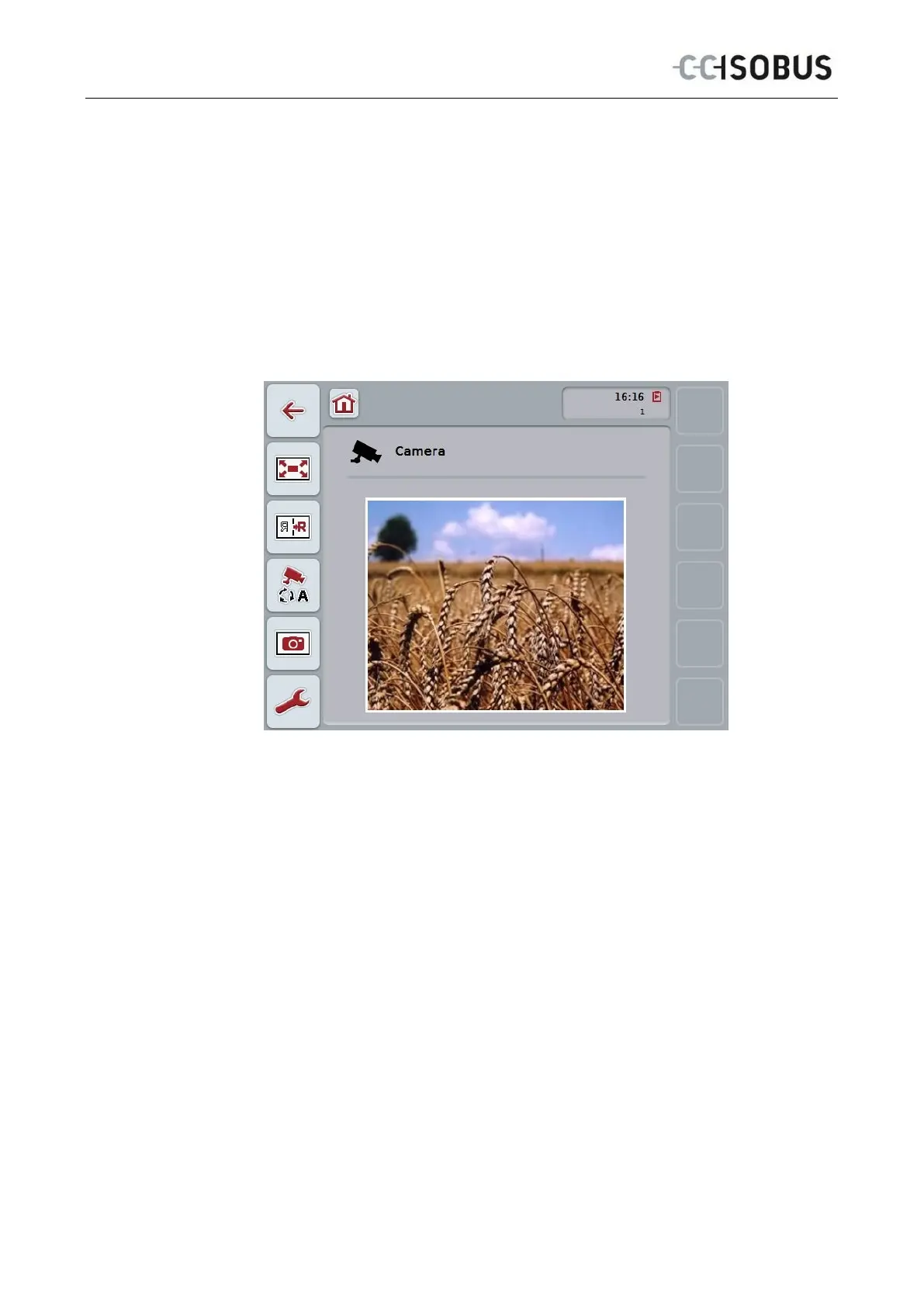
The following main view opens:
CCI.Cam is subdivided into 3 areas:
4.1.1 Main view (one camera)
Shows the camera image of the only connected camera.
4.1.2 Main view (multiple cameras)
Shows the camera image of one of the connected cameras.
Facilitates switching between the images from different cameras.
4.1.3 Settings
Enables the assignment of a camera image to the function keys, activation of the
camera images for automatic mode and setting of the time interval.
8



 To Next Page