VT50 – Operation
5.2.6 Settings
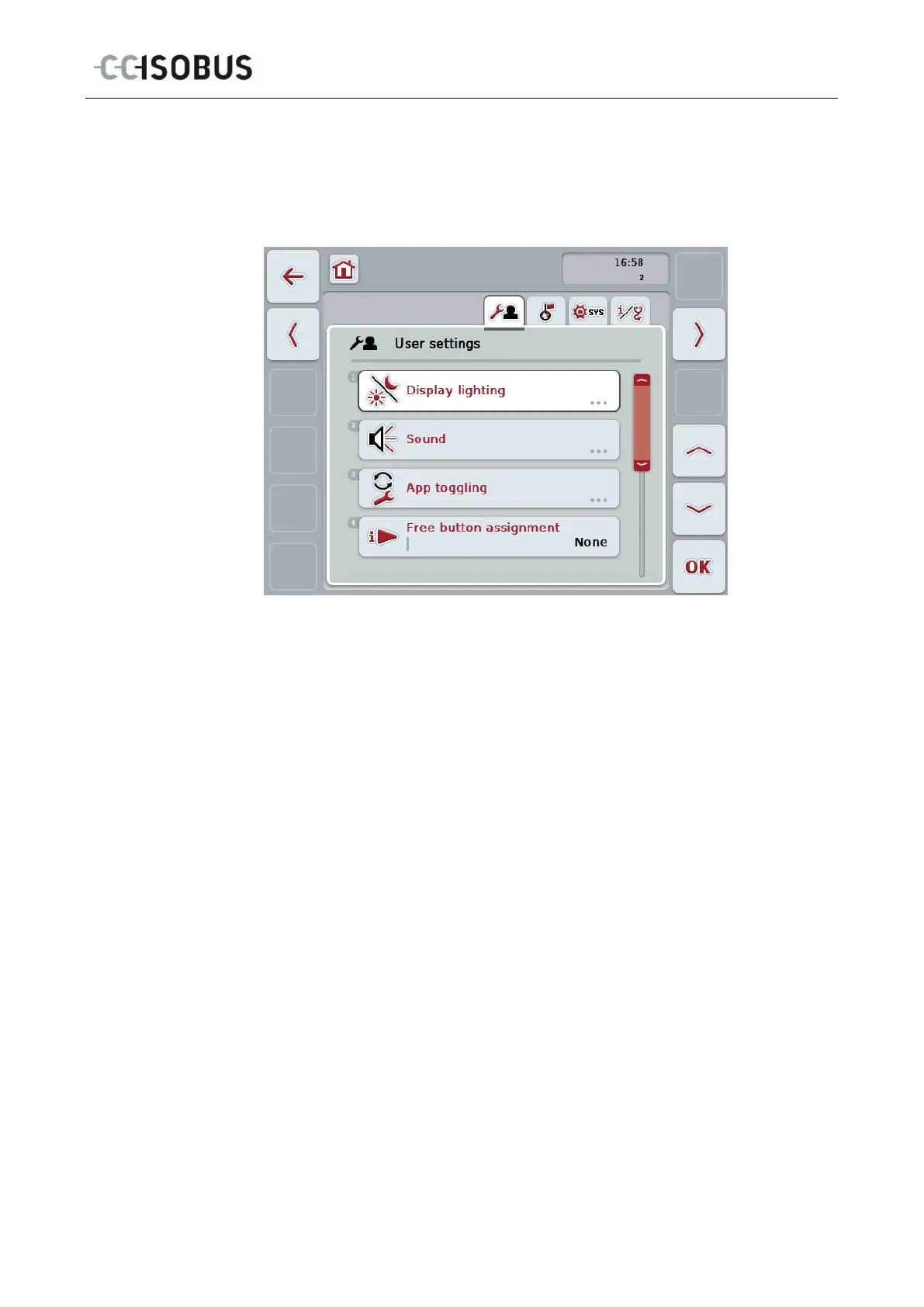
The settings are subdivided across 4 tabs: User settings, Country settings,
System settings and Info and Diagnostics
These are organised as follows:
User settings:
Offers adjustment options for the display lighting,
sound, app toggling, free button assignment and the
button selection with the scroll wheel.
Country settings:
Offers setting options for language, country, system
of units, and decimal symbol.
System settings:
Offers setting options for date and time, app
management, CAN, calibration of the touchscreen
and access to the service menu.
Info and Diagnostics:
Provides information about the software and
hardware of the terminal, about the network
participants, the internal, working and error memory.
Makes it possible to test the various hardware
components.
To switch between tabs, proceed as follows:
1. In the touchscreen press on the corresponding tab or select it using the arrow
keys (F8, F2).
25



 To Next Page