VT50 – Commissioning
4.2 Connecting the Terminal
4.2.1 Connecting to the power supply
Basic
A suitable cable set is required for connection to the power supply via the job
computer, which can be ordered by providing article number <ArtNummer>.
Proceed as follows to connect the terminal to the power supply:
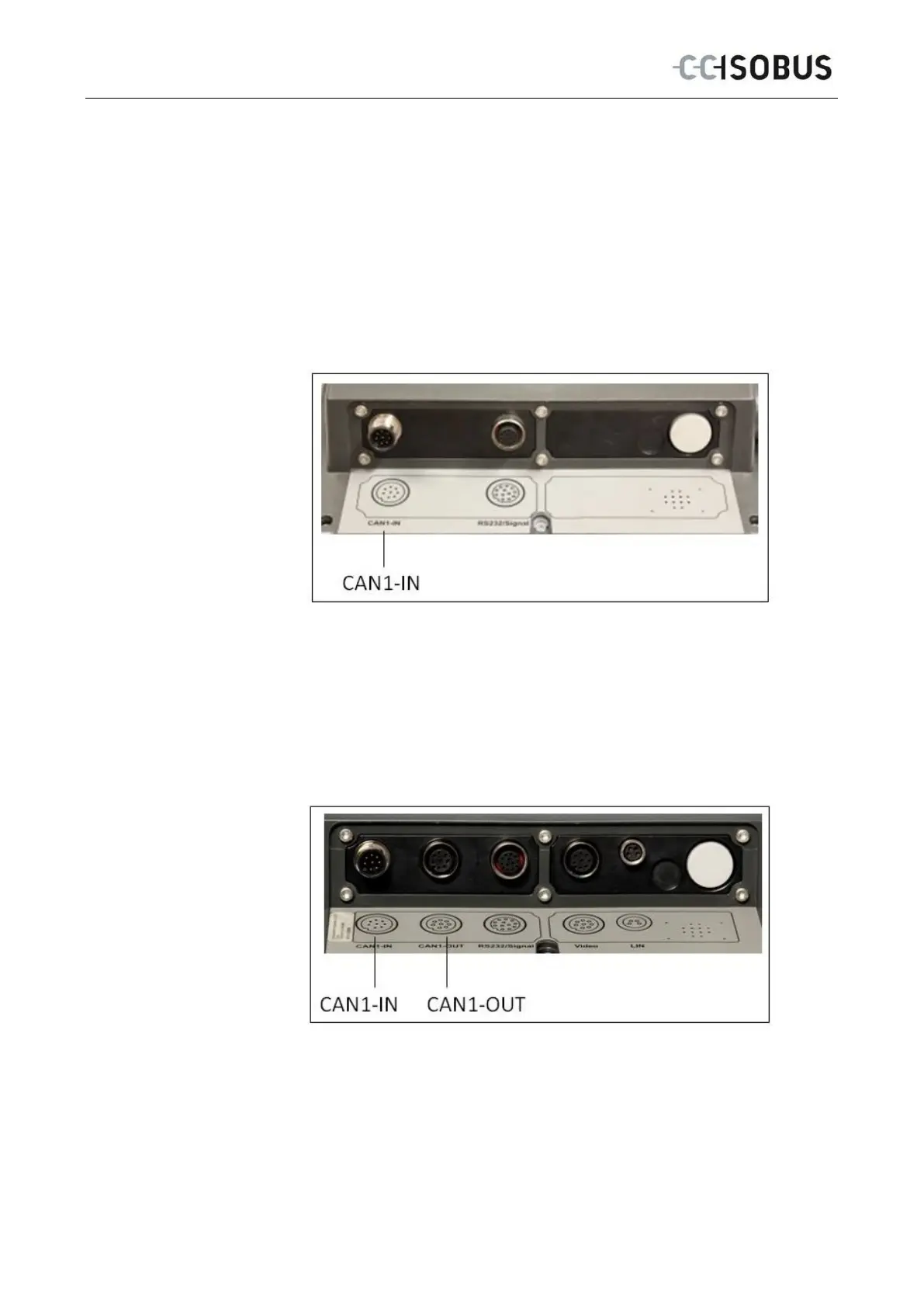
1. Connect the M12 connector on the cable set to the "CAN1-IN" interface of
the terminal.
Comfort
A suitable cable set is required for connection to the power supply via the job
computer, which can be ordered by providing article number <ArtNummer>.
Proceed as follows to connect the terminal to the power supply:
1. Connect both M12 connectors on the cable set to the "CAN1-IN" and
"CAN1-OUT" interfaces of the terminal.
18



 To Next Page