CCI.Cam – Operation
4.4 Settings
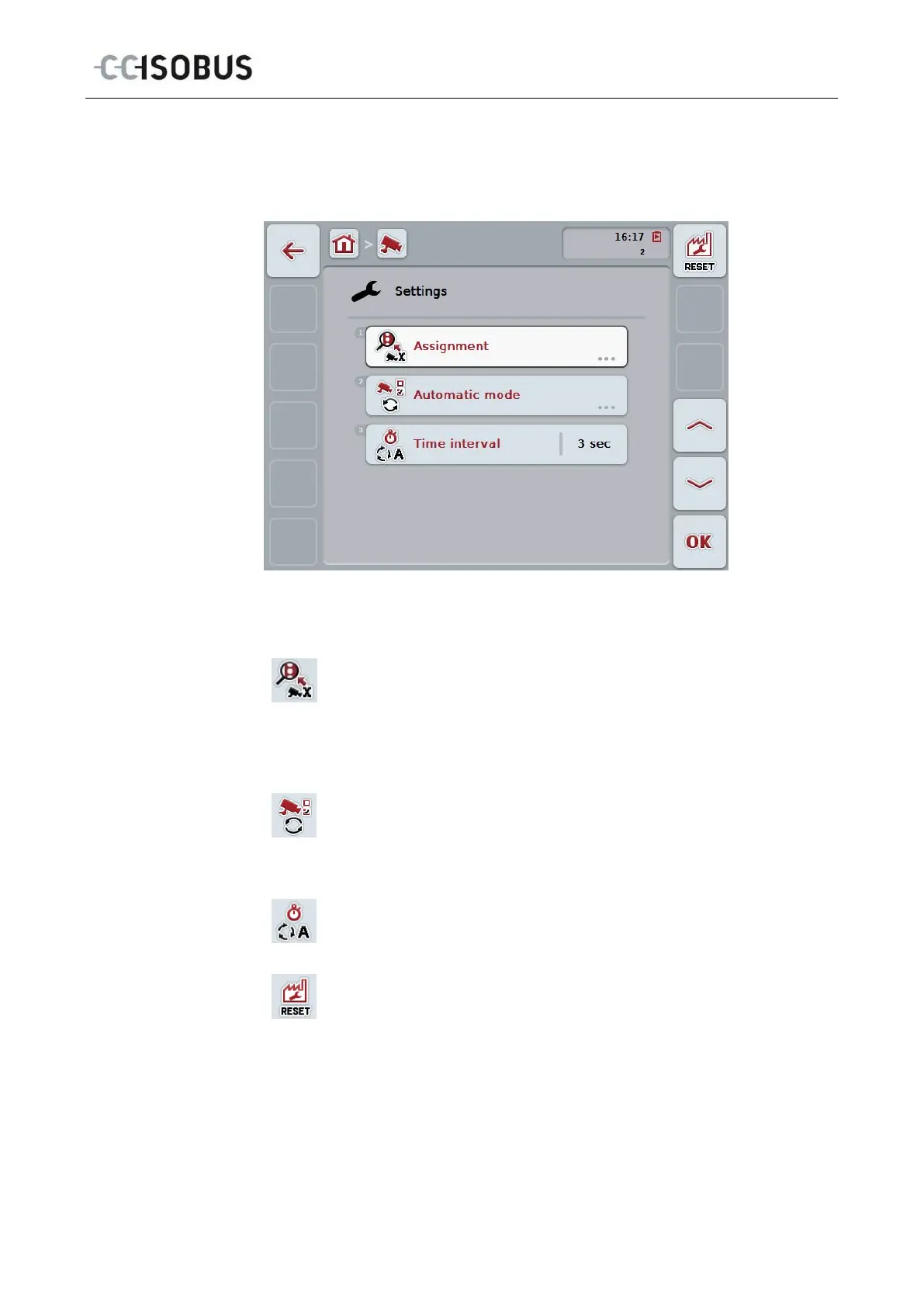
Use the "Settings" (F12) button in the main view to get to the Settings submenu.
You have the following operating options:
Change to function key assignment:
Press the "Assignment" button on the touchscreen.
The Assignment mask opens.
You can find more detailed information about function key assignment
in chapter 4.4.3.
Change to settings in automatic mode:
Press the "Automatic mode" button on the touchscreen.
The Automatic mode mask opens.
You can find more detailed information about automatic mode settings
in chapter 4.4.4.
Enter time interval
Reset all settings
13



 To Next Page