CCI.Cam – Operation
4.4.3 Assignment
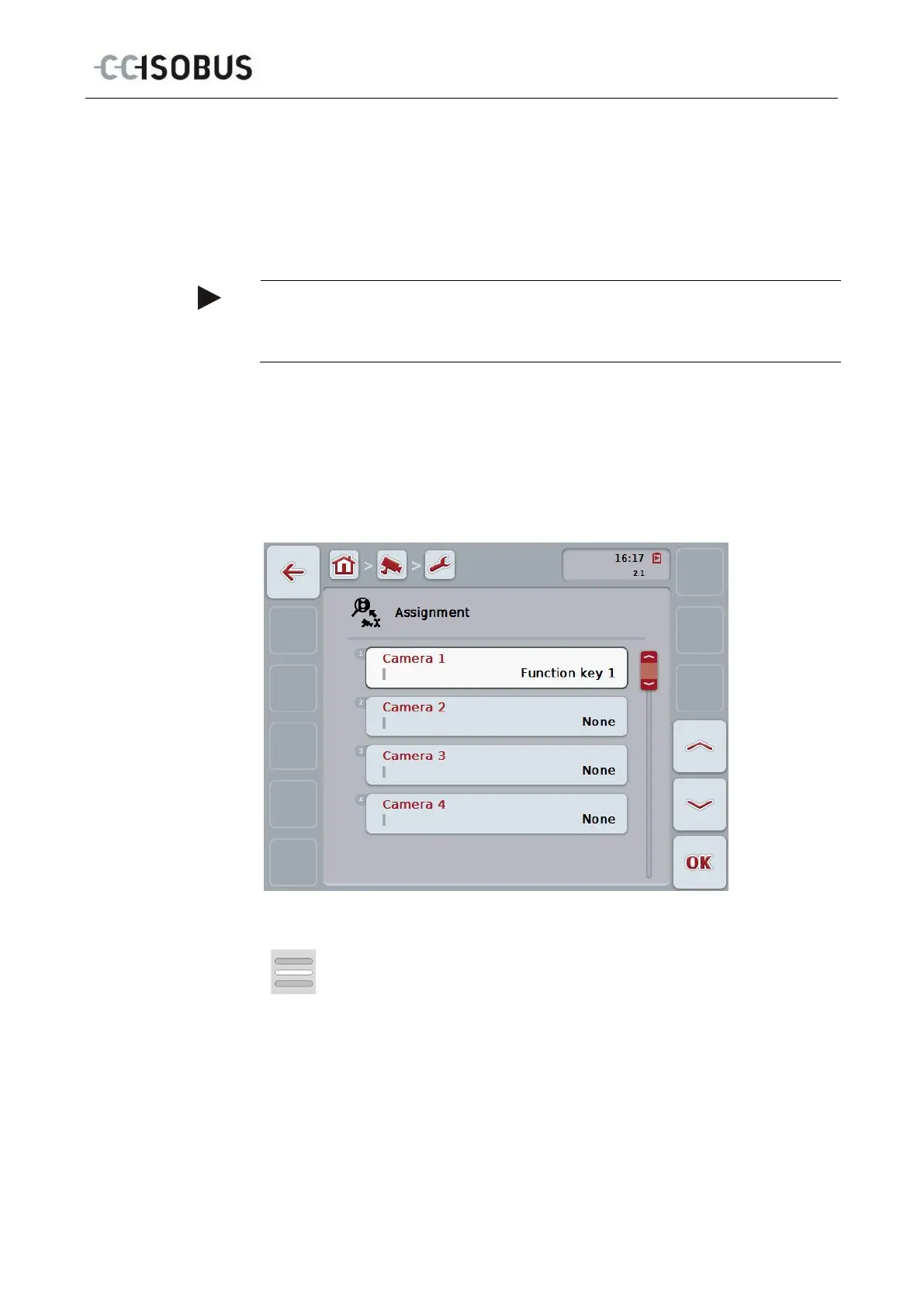
This submenu facilitates the flexible assignment of cameras to the function keys
independently of the connection assignment on the multiplexer. This makes it
possible to set the two most important cameras to the function keys "Function key
1" and "Function key 2" which are always displayed without having to modify the
connection on the multiplexer.
Note
An assignment of cameras to function keys is necessary to make it possible to
activate the camera images for the automatic camera change (see chapter
To change the function key assignments proceed as follows:
1. Press on the "Assignment" button on the touchscreen or turn the scroll wheel
until the button is highlighted in white and then press on the scroll wheel.
Once the button is highlighted you can, alternatively, also press the "OK" (F6)
button.
The following mask opens:
You have the following operating options:
Assigning the function keys
15



 To Next Page