CCI.Cam – Operation
4.3 Main view (multiple cameras)
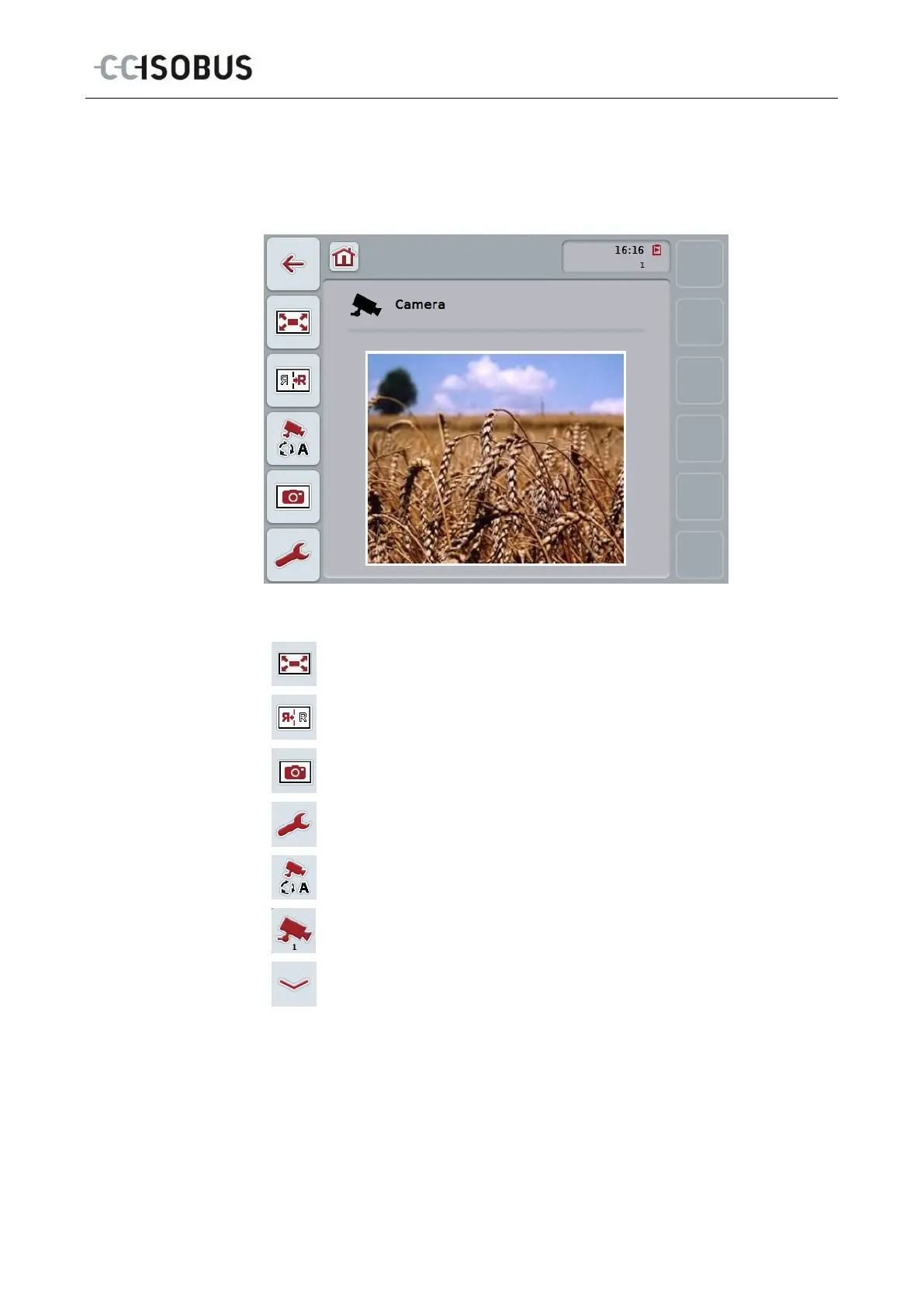
This is the main view when multiple cameras are connected to the terminal. The
images from the selected cameras are displayed in the main view.
You have the following operating options:
Select full-screen mode (see chapter 4.2.1)
Mirror image (see chapter 4.2.2)
Create a snapshot (see chapter 4.2.3)
Switch to the settings (see chapter 4.4)
Switch automatic camera switching on or off
Display camera image
Display additional cameras
11



 To Next Page