VT50 – Operation
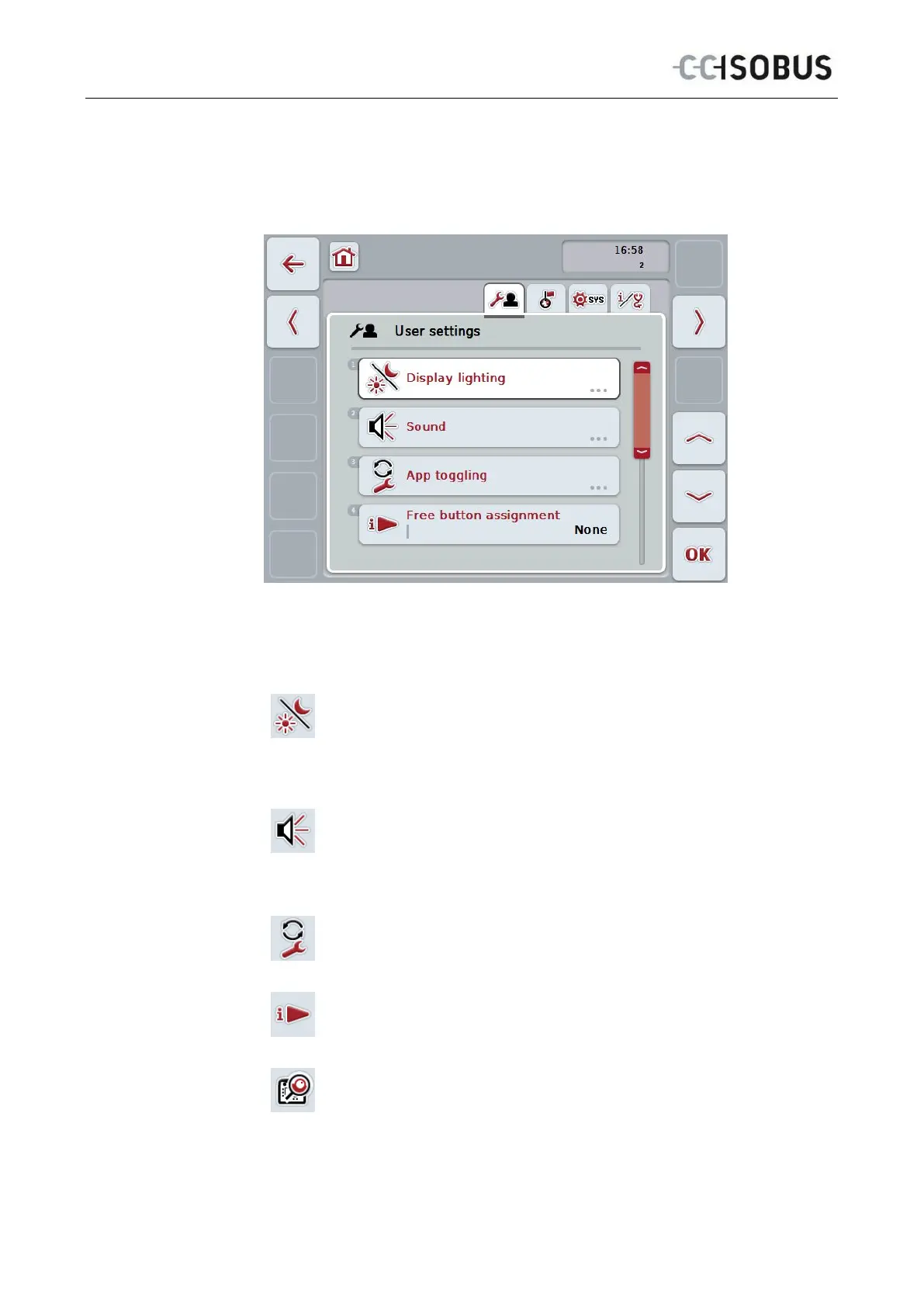
5.3 User settings
In the User Settings tab it is possible to adjust the terminal to match your personal
requirements.
You have the following operating options:
Change to Display lighting
Press the "Display lighting" button on the touchscreen.
The Display lighting mask opens.
More detailed information on Display lighting can be consulted in
chapter 5.3.4.
To change the sound
Press the "Sound" button on the touchscreen.
The Sound mask opens.
More detailed information on sound can be consulted in chapter 5.3.5.
App toggling
Free button assignment
Activating/deactivating button selection by scroll wheel
26



 To Next Page