VT50 – Operation
Setting up the terminal
5.2.5 Main menu
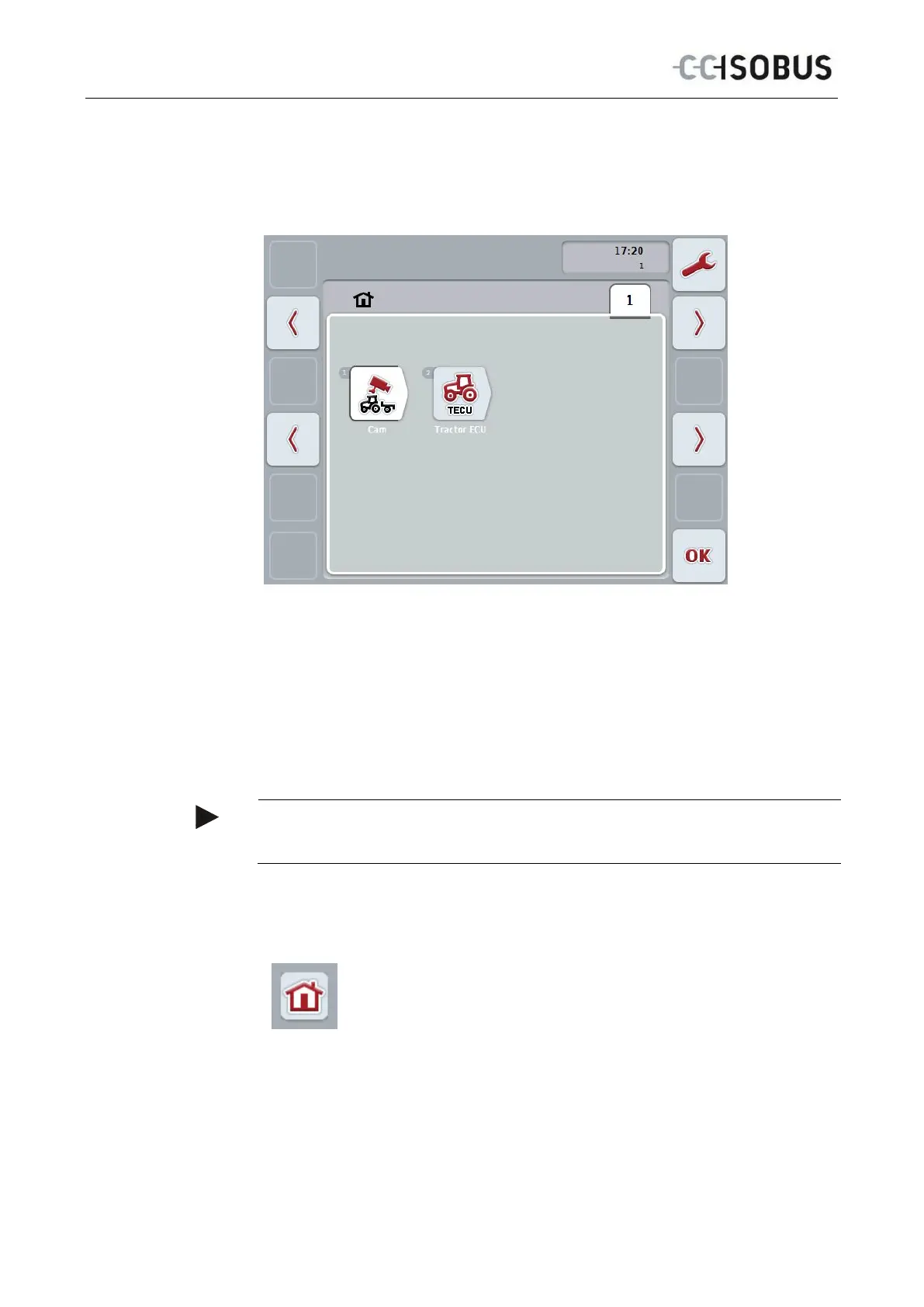
Open the main menu:
All available apps are shown in the Main menu. These are the apps that are
enabled on the terminal, e.g. CCI.TECU and CCI.Cam and the operating images of
the connected implements.
• To call up an application, on the touchscreen press on the operating image
of the implement or the app's symbol.
Once the button is highlighted white you can, alternatively, also press the
scroll wheel or the "OK" (F6) button.
Note
A detailed description of the settings of a connected implement can be referred to
in the operating instructions of the relevant implement.
You can directly access the settings (F1) from the Main Menu:
From each submenu (and their menu items) you can return to the
Main Menu directly by pressing this button, which is located on
the top screen edge.
In the following sections the settings are described in detail. A graphic depiction of
the complete menu structure can be referred to in the chapter 8.
24



 To Next Page