VT50 – Operation
5.2.4 Selecting values from a list
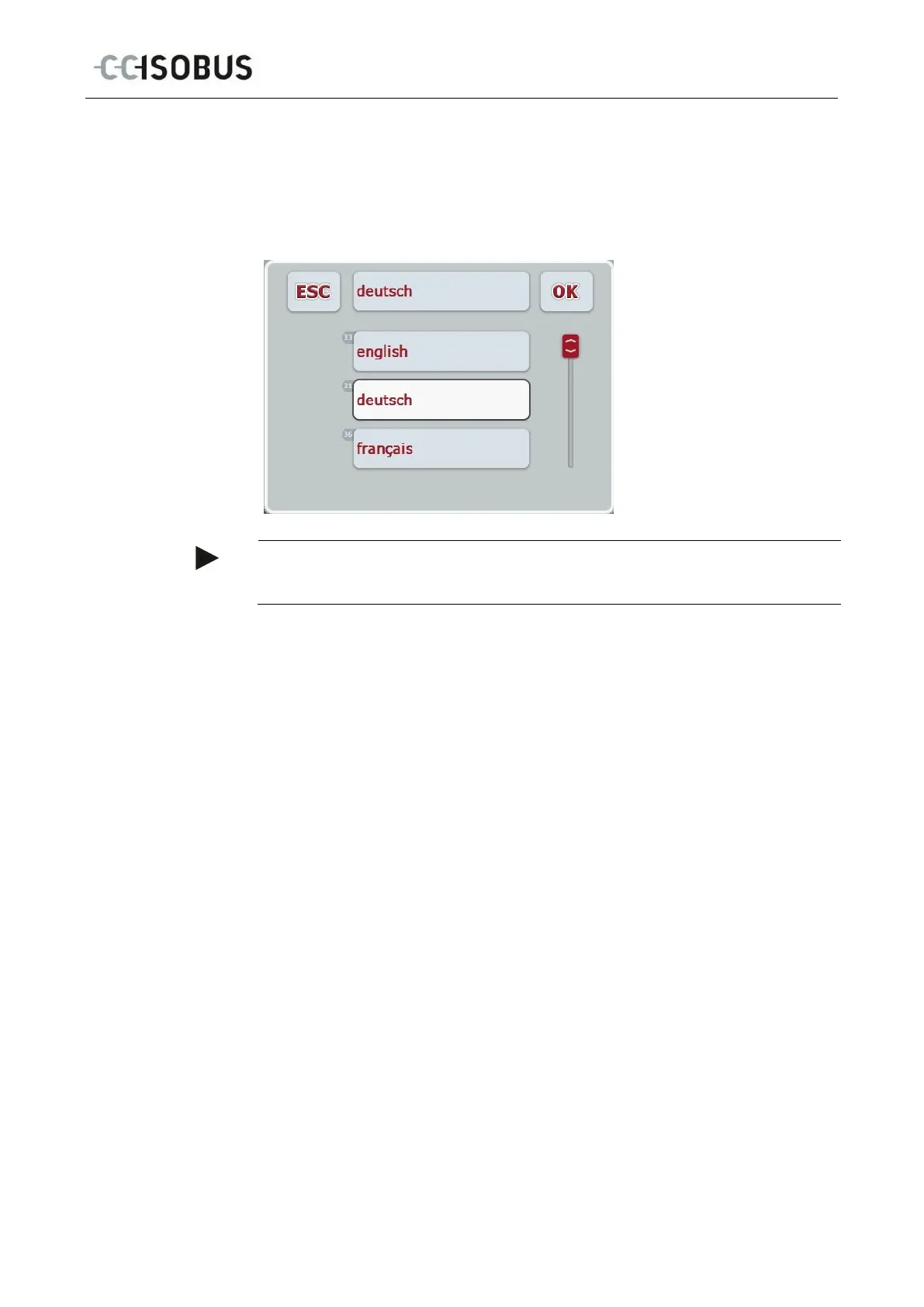
For specific parameters there are lists of default values, e.g. the language setting.
If such a parameter is selected from an operating screen the input dialogue for the
list selection appears.
Note
You can minimise the lists displayed by pressing the input field (betweenESC and
OK). The input dialogue for the list selection is then shown with a minimised list.
Proceed as follows to enter a value from a list:
1. From the operating mask select the parameter whose value has to be
changed. Press on the parameter on the touchscreen or turn the scroll wheel
until the parameter is highlighted in white and then press on the scroll wheel.
Once the parameter is highlighted you can, alternatively, also press the "OK"
button.
A selection list opens.
2. Select the new value from the list. To do so press the button with the value
or turn the scroll wheel until the button is highlighted in white and then press
on the scroll wheel.
The value appears in the selection window.
3. Confirm your selection by pressing "OK" or pressing the button with the
value again or by pressing the scroll wheel.
23



 To Next Page