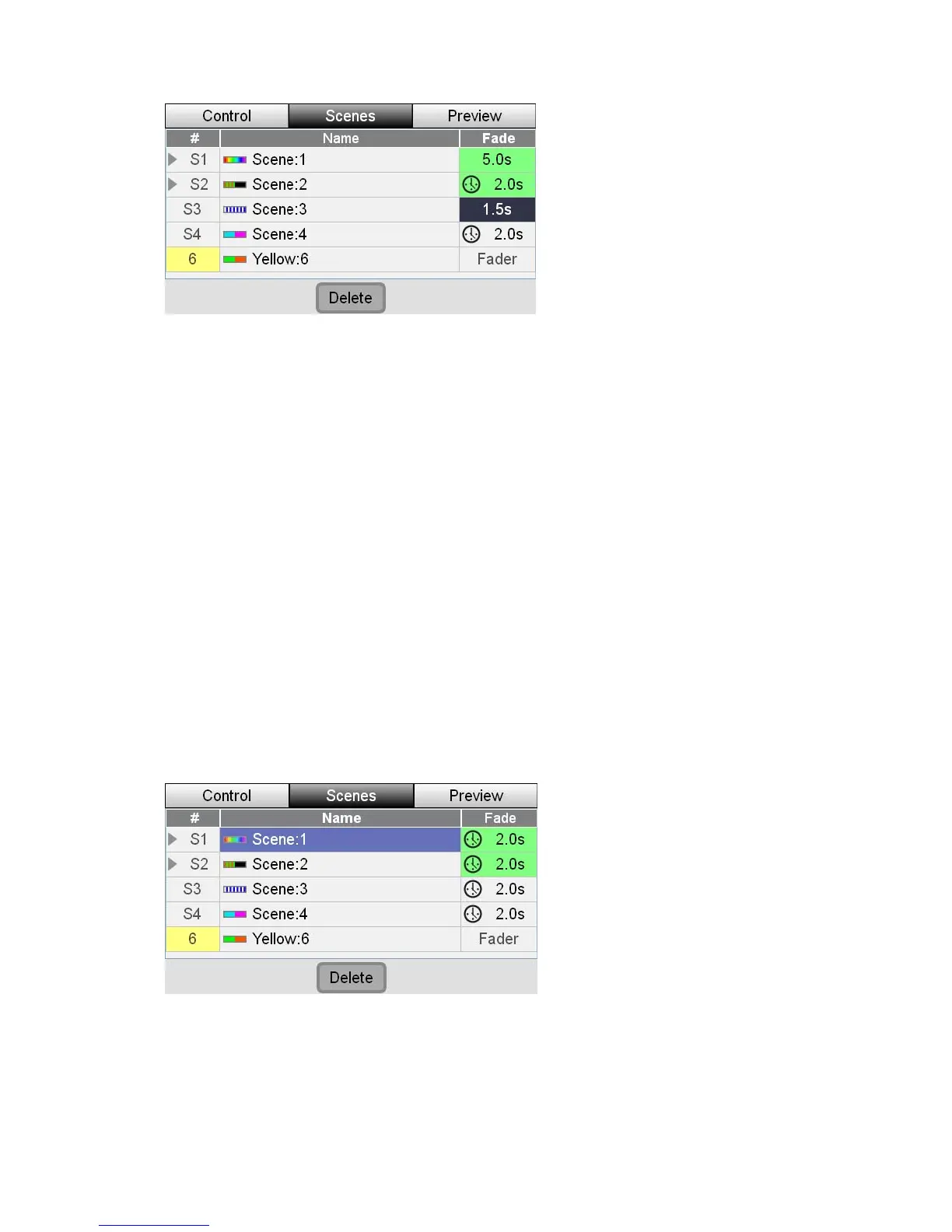
EditingandMonitoringScenes Scenes
2. Touch in the fade column of the Scene you want to change or hold shift and
e touchscreen dial until the sc n
press down on indicate that
you are editing it.
uchscreen dial to set a fade time in seconds.
When you play this scene it will now fade in over the time you have set.
o reset a scen te the
ouchscreen dial counter-clockwise until the fade time goes below 0 seconds
e clock ic time.
Scenes recorded to the 12 Channel / Scene faders do not save fade times.
De
If you don’t o do
this:
1. ge CL displays the Scenes list window.
rotate th ene fade setting is highlighted the
the touchscreen dial. The field chang lour to
es co
3. Rotate the to
 T
t
e to follow the setting of the fade time dial, rota
and th on reappears along with the current fade
Â
Instead they fade in as you raise the fader.
letingaScene
want to keep a scene you have recorded, you can delete it. T
Press the Scenes tab button. Sta
2. Touch the name of the Scene you want to delete or rotate the dial until the
scene name is highlighted.
3. Touch the Delete button at the bottom of the touchscreen. Stage CL displays
the clear confirmation window.
7‐4 StageCLUserGuide,Version1.3



 To Next Page