Different printers require different formatting control codes. Other printers might provide correct
operation when connected to the Control Center. However, the print format may not be correct or
as required.
Proceed with caution and use the following guidelines if an unlisted printer is selected:
1. All printers must be capable of RS-232 serial communications.
2. The primary differences between printers involve the formatting control codes required
by the printer. These codes are sent from the Control Center to the printer. For example,
Weigh-Tronix printers require a control code to select 40 column width. This same code
is interpreted by the OKI Data printer as an instruction to print wide characters. In some
instances, a printer will ignore a code it cannot interpret.
3. The Control Center requires a busy signal from the printer when the printer receive buffer
is full. This causes the Control Center to momentarily terminate data transmission until the
printer can accept more data. The busy signal polarity must be asserted low when busy.
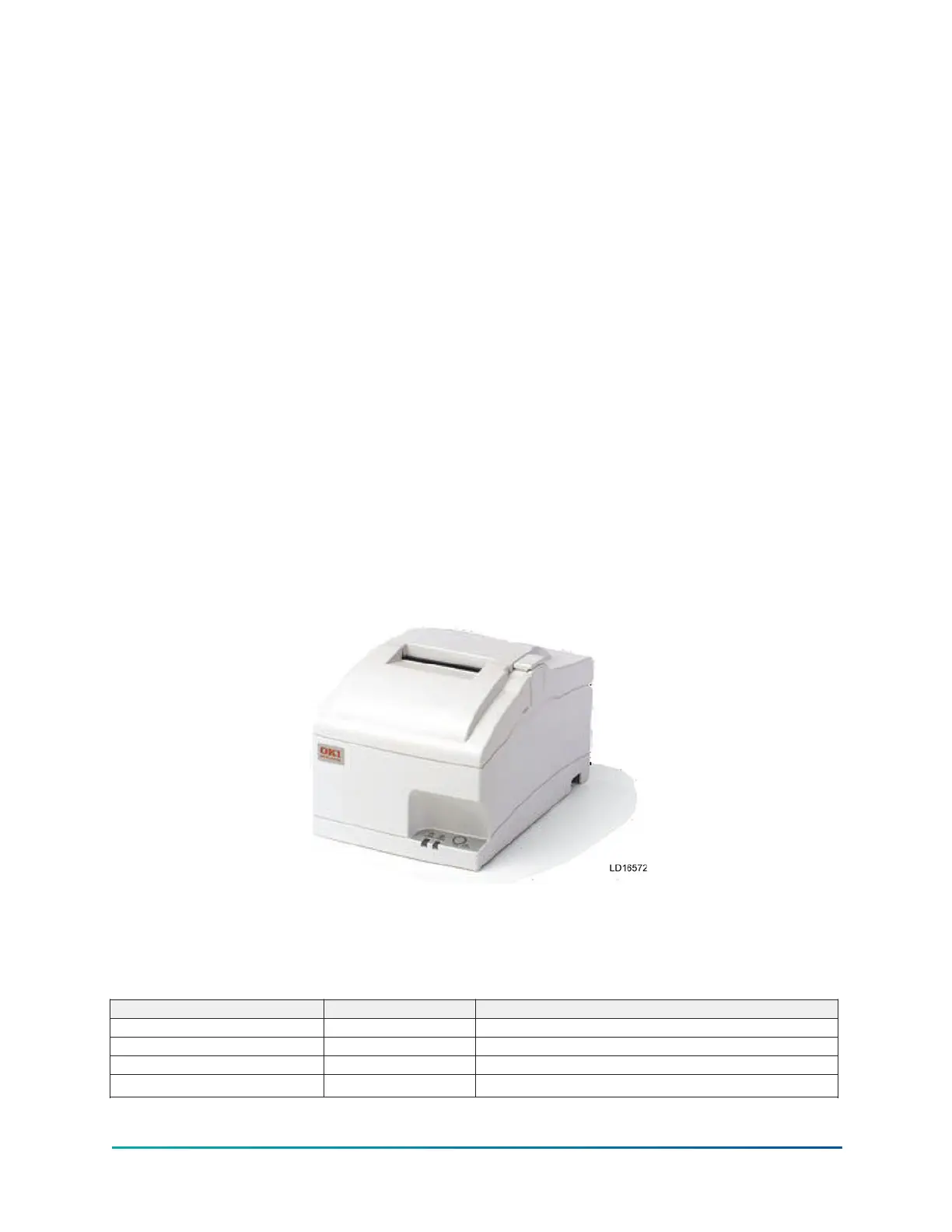
OKI Data
Models: OKIPOS 441
• Dimensions: 6.9 in. wide x 9.64 in. deep x 5.98 in. high
• Paper: 3.0 in. wide
• Type: Dot Matrix Impact
• Purchase: 800-OKI Data Spare printer Ribbon Okidata 52119001 Black
• P/N Charcoal P/N 62113901 Beige P/N 62113601
Figure 57: OKIPOS printer
Printer connections
Connect the printer to the Control Center Microboard as follows. Only one printer can be connected
at a time.
Table 96: Okidata OkiPos 441
Microboard Printer Function
J2-4 pin 3 Tx (data to printer)
J2-2 pin 20 DSR (busy signal from printer)
J2-9 pin 7 Gnd
Cabinet Shield
171
YMC
2
Mod B with OptiView
™
Control Center









 To Next Page