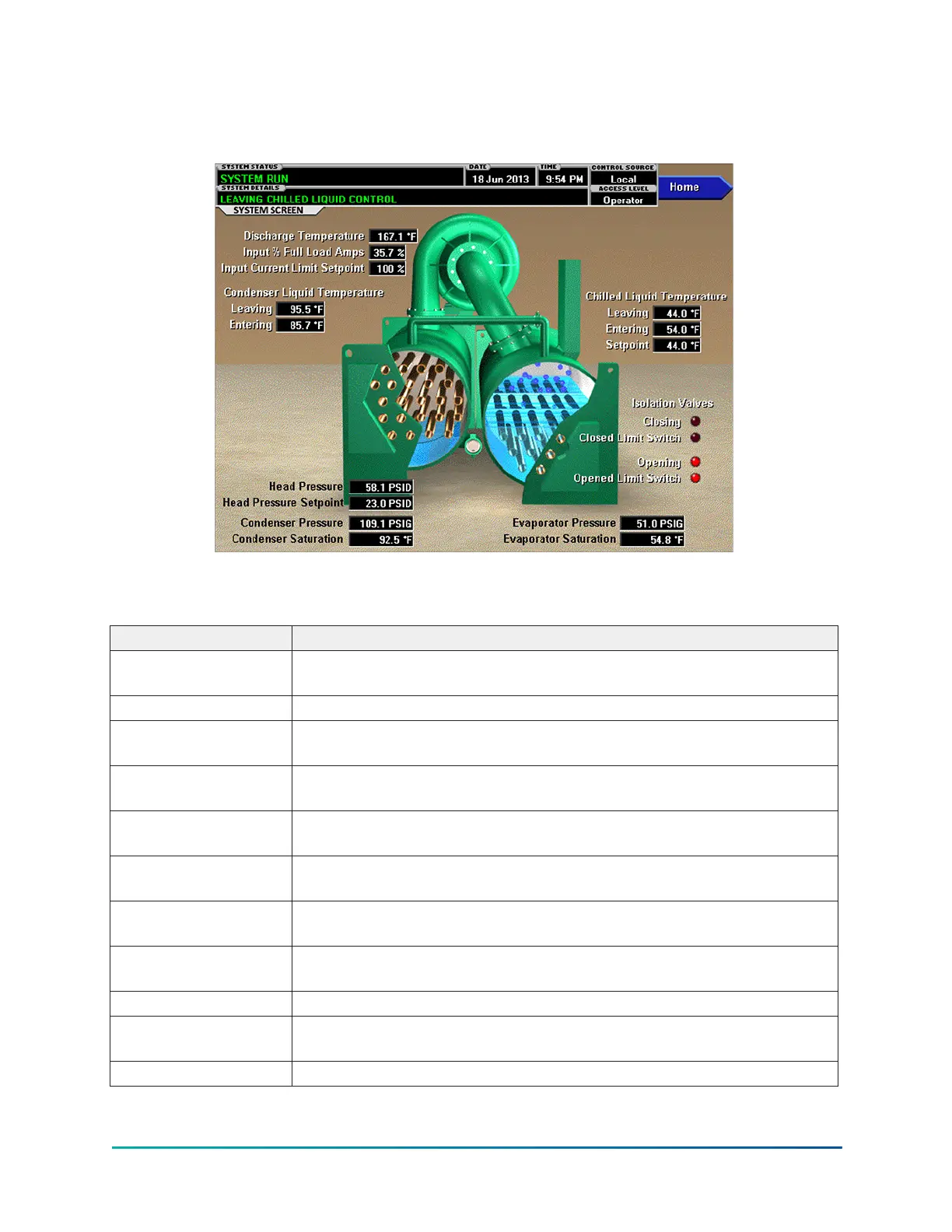
System screen
Figure 11: System screen
This screen gives a general overview of common chiller parameters for both shells.
Table 11: Display only fields
Field/LED name Description
Discharge Temperature
Displays the temperature of the refrigerant in its gaseous state at
discharge of the compressor as it travels to the condenser.
Input % Full Load Amps This displays the percentage of full load amps utilized by the system.
Input Current Limit
Setpoint
Displays the current limit value in use. This value is percent of Input Full
Load Amps.
Condenser Liquid
Temperature - Leaving
Displays the temperature of the liquid as it leaves the condenser.
Condenser Liquid
Temperature - Entering
Displays the temperature of the liquid as it enters the condenser.
Chilled Liquid
Temperature - Leaving
Displays the temperature of the liquid as it leaves the evaporator.
Chilled Liquid
Temperature - Entering
Displays the temperature of the liquid as it enters the evaporator.
Chilled Liquid
Temperature - Setpoint
Displays the programmed temperature setpoint for leaving chilled liquid.
It is the local value or remote reset value depending on control source.
Condenser Pressure Displays the refrigerant pressure in the condenser.
Condenser Saturation
Temperature
Displays the saturation temperature in the condenser calculated from
condenser pressure.
Evaporator Pressure Displays the present refrigerant pressure in the evaporator.
35
YMC
2
Mod B with OptiView
™
Control Center









 To Next Page