– 39 –
5
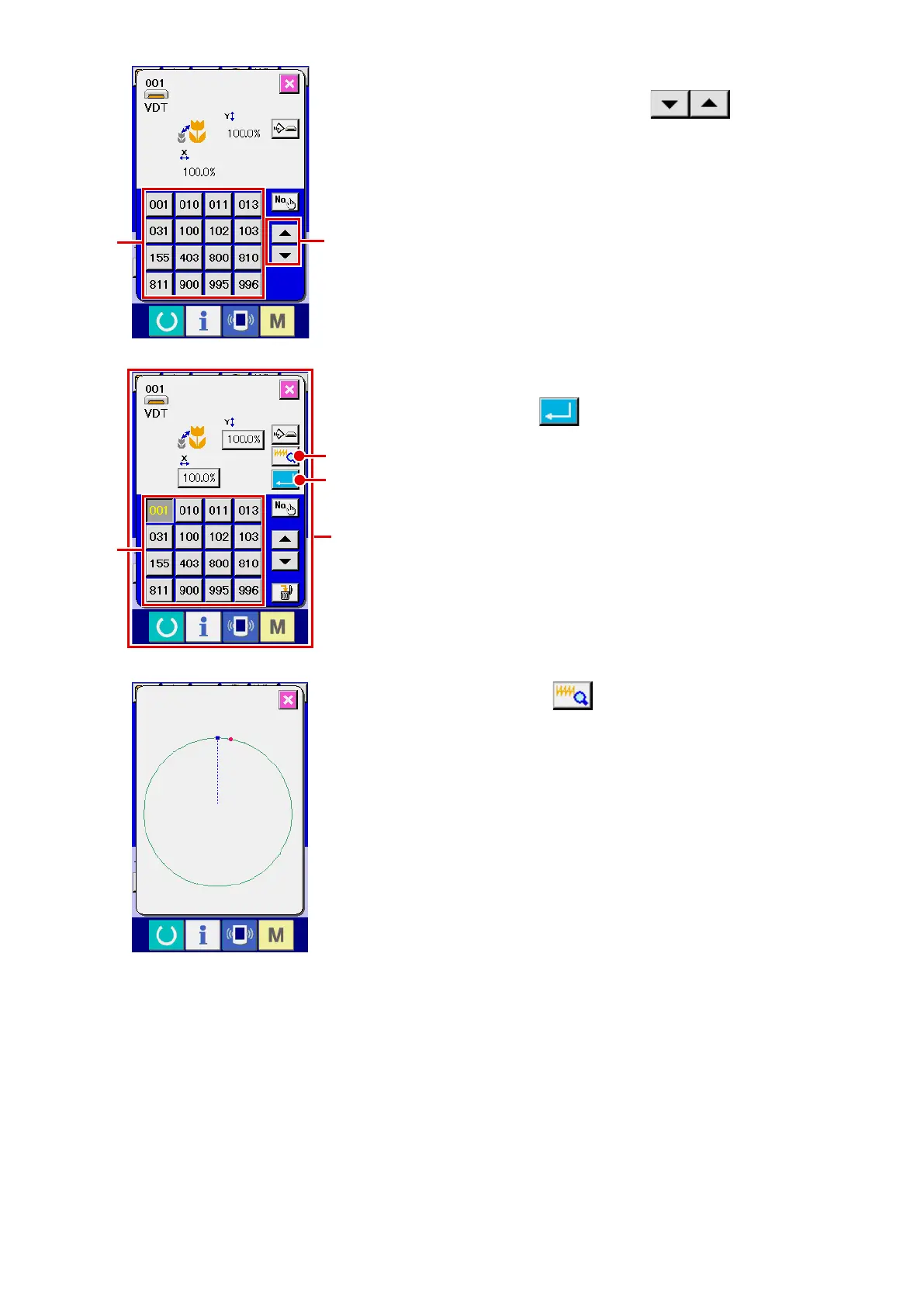
Select the sewing shape.
When UP or DOWN SCROLL button
G
is pressed,
the SEWING SHAPE buttons
H
are changed over in order.
6
Determine the sewing shape.
When ENTER button
I
is pressed, the sewing shape is
determined and the data input screen is displayed.
When the sewing shape is users' pattern, the screen as
A
is
displayed.
PATTERN NO. SELECTION button
J
that is registered to
users' pattern is displayed. Press the button of PATTERN NO.
you desire to select.
When VIEWER button
K
is pressed, the shape of the
pattern No. selected is displayed and you can conrm it.
H
G
J
I
K
A












 To Next Page