– 71 –
2-23. Using the simple operation mode
1
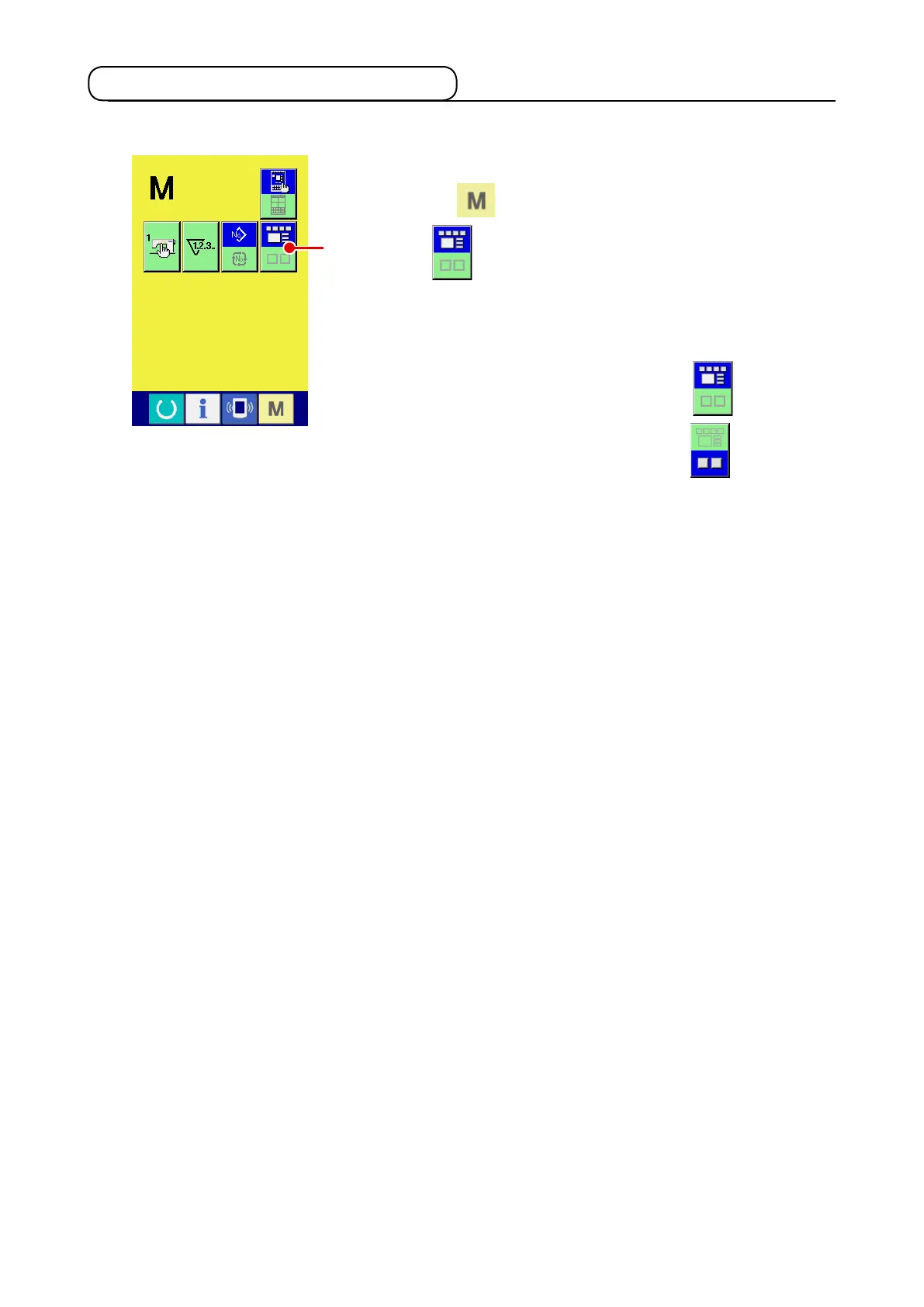
Select the sewing mode.
When the
key is pressed, SCREEN MODE SELECT
button
A
is displayed on the screen. When this button is
pressed, the screen mode is changed over between the nor-
mal operation and the simple operation.
When the normal operation is selected:
When the simple operation is selected:
A
With IP-420, the SIMPLE OPERATION mode is available.












 To Next Page