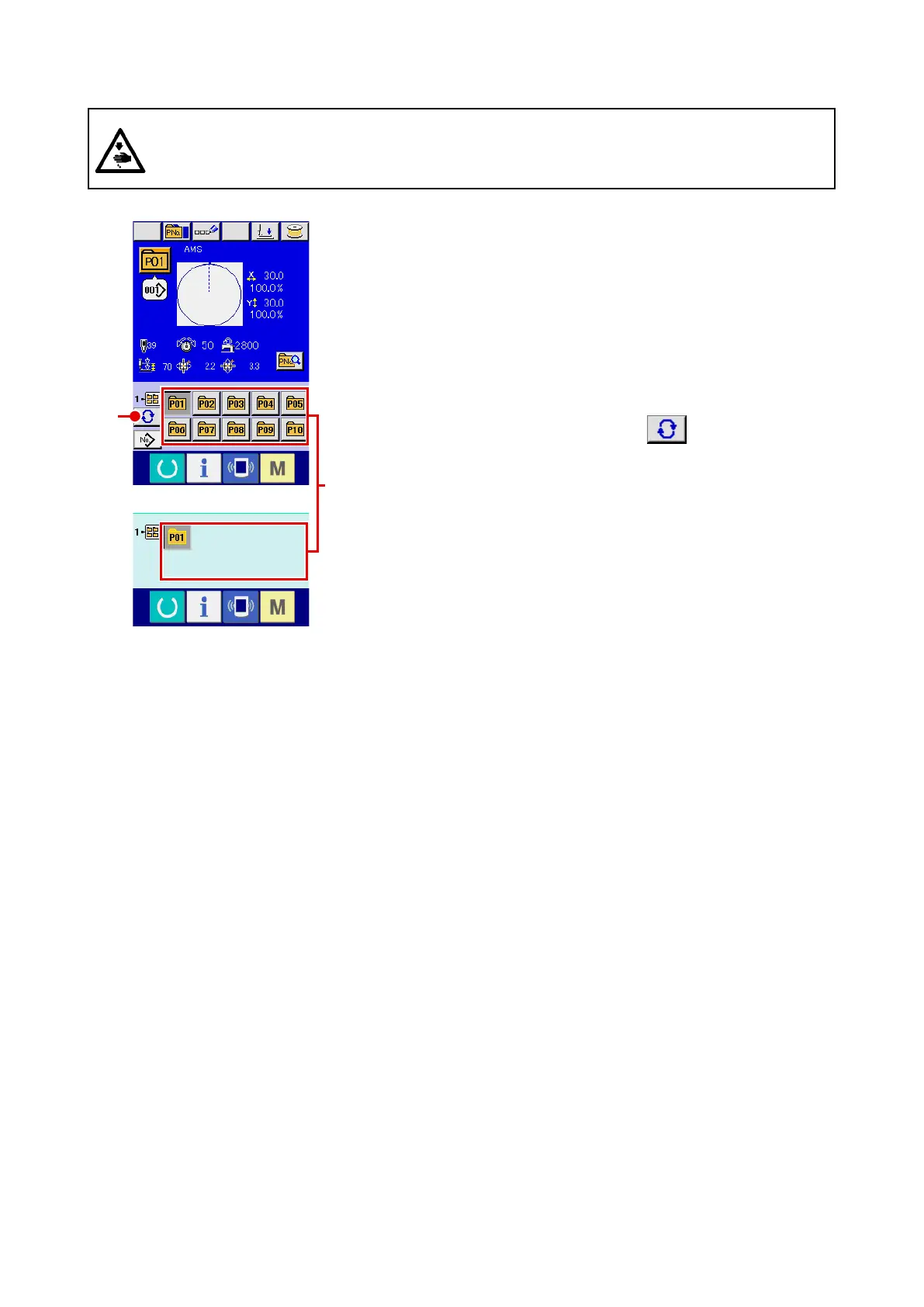
(2) Selection by means of the shortcut button
1
Display the data input screen or the sewing screen.
When the pattern is registered to the folder, pattern buttons
A
are surely displayed on the lower side of the screen of the data
input screen or sewing screen.
2
Select the pattern No.
Pattern button is displayed with every folder which is specied
when the pattern is newly created.
When FOLDER SELECTION button
B
is pressed, the
pattern button to be displayed is changed. Display and press
the button of the pattern button No. you desire to sew. When it
is pressed, the pattern button No. is selected.
WARNING :
Make sure without fail of the contour of the sewing pattern after selection of the sewing pattern.
If the sewing pattern extends outside the work clamp feet, the needle will interfere with the work
clamp.
A
B












 To Next Page