23 TPES-B_TPEJ-B-BA-e-2319
8 Menu
8.1 Menu <Func>
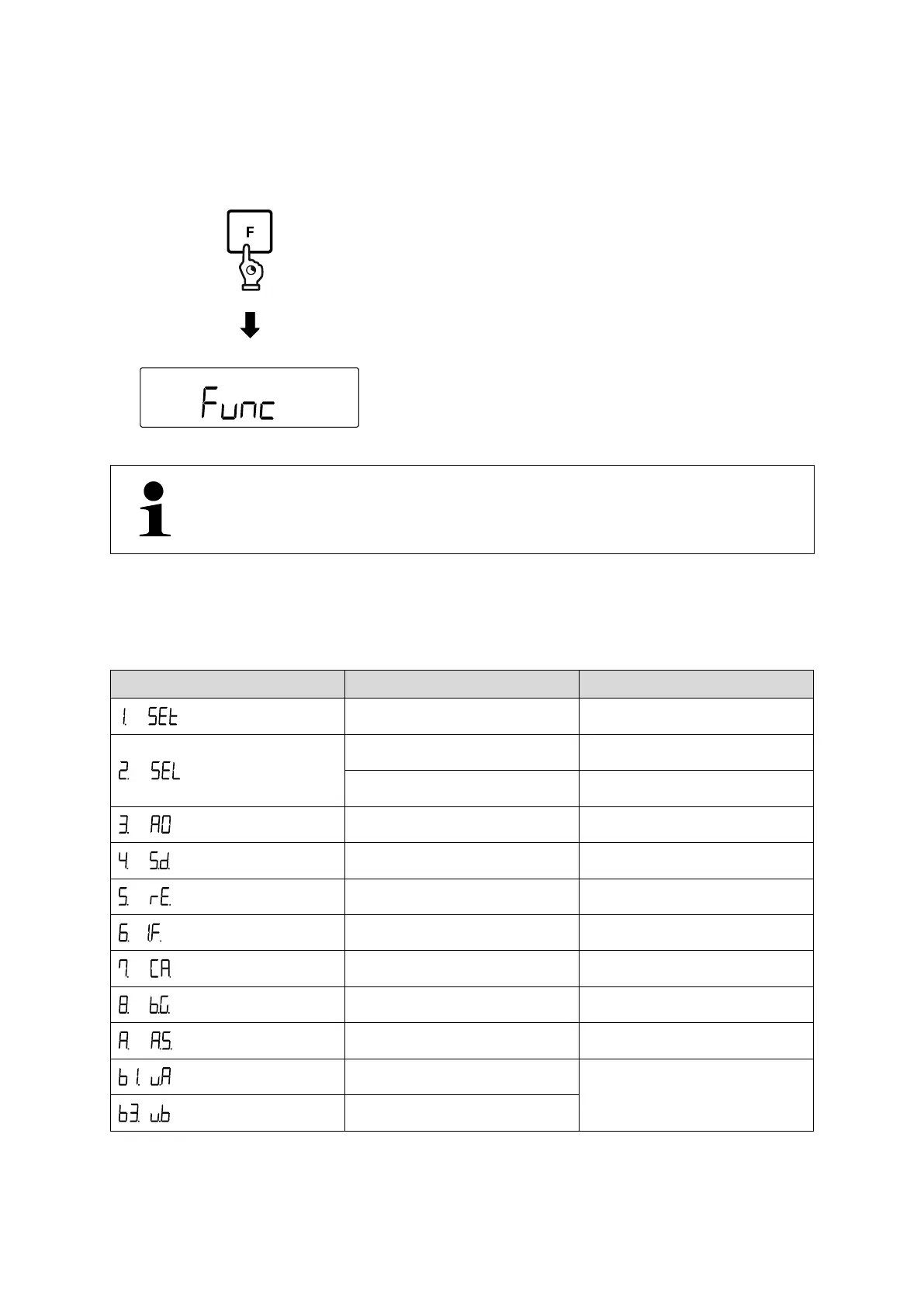
Open menu:
Press and hold the [F]- key for about 2
seconds.
Display changes to <Func>.
Release [F]- key
If you continue keeping the [F] key pressed after the appearance of
<Func>, the balance will change into another mode. In this case press
the [PRINT] key to interrupt the action.
8.1.1 Menu overview
The balance menu consists of several levels. The first level consists of the main
menus. According to the setting you will have access to more menu levels.
You will find a summary of the setting options in the individual chapters.
Selection of a weighing
application
Weighing with tolerance range
Display speed (Stability)
Weighing unit B (only for simply
weighing)


 To Next Page
 Loading...